
Hotels & Hospitality
Make every room feel like the place to be.
Turn quiet lobbies, terraces, restaurants, and amenity spaces into the kind of stay guests want to book before they arrive.
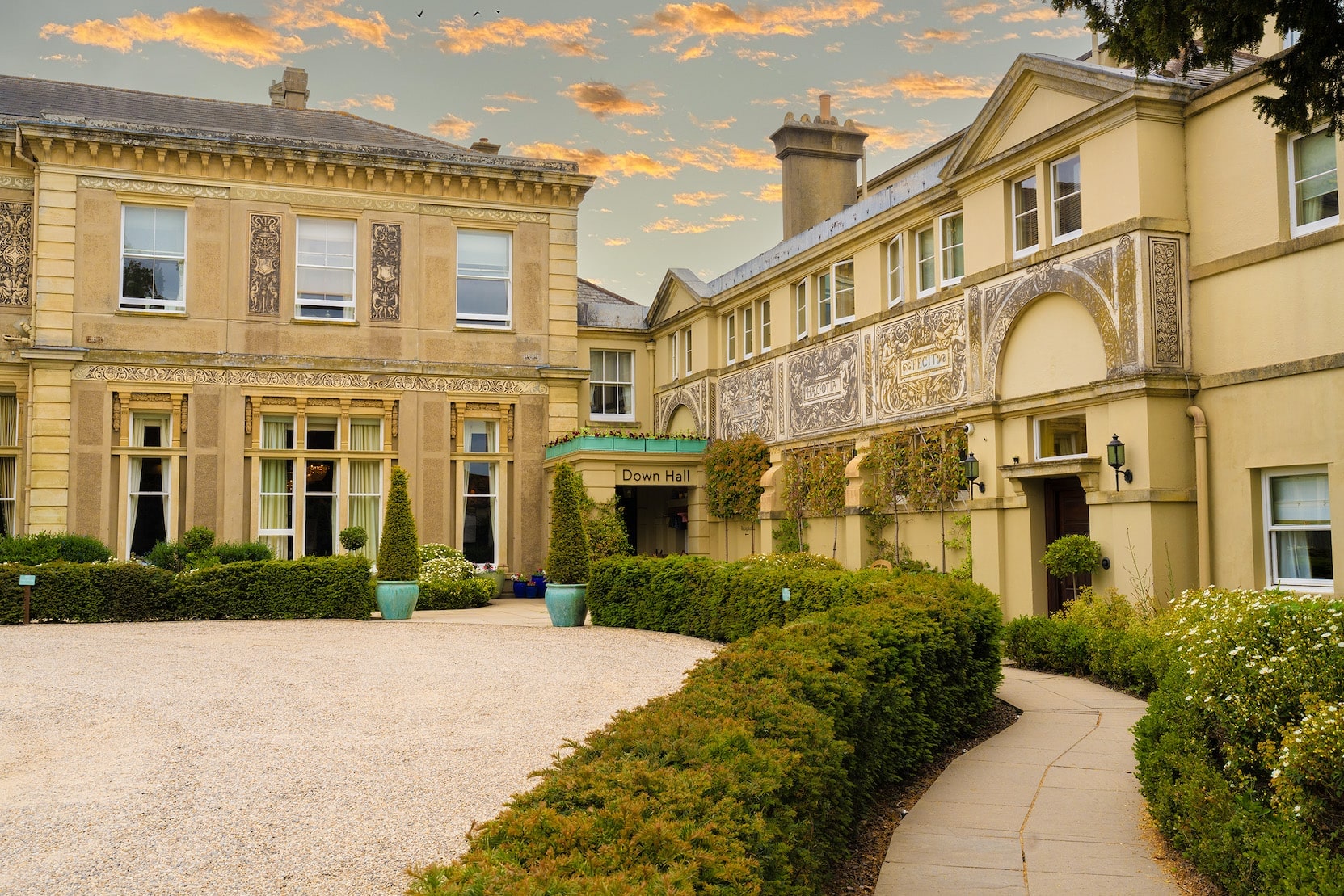
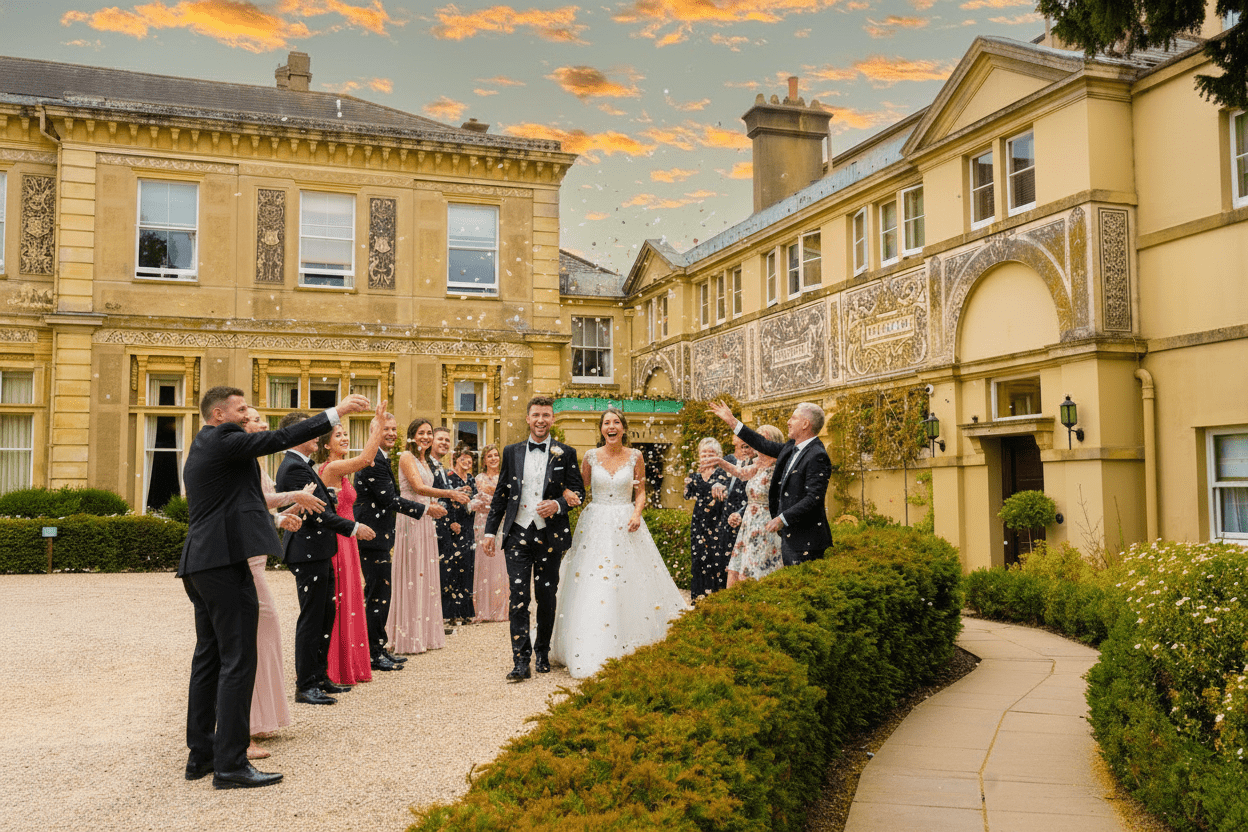
Make the image work harder
The scene is there. Now make it sell.
Show a stay in motion
Add guests, staff, groups, and atmosphere that make every amenity feel in demand.
Build for every guest type
Create scenes for couples, families, business travellers, events, and weekend getaways.
Refresh the property story
Make new seasonal and campaign imagery without scheduling another full production.
A controlled workflow
From the source photo to a usable campaign scene.
Keep the original image as your factual record. Use Instant Photoshoot to create additional marketing options around a specific audience, season, or occasion.
- 01
Start with property proof
Choose an image that records the room category, amenity or public space accurately and at a useful resolution.
- 02
Direct one guest experience
Define the audience, activity, service level and atmosphere for the campaign instead of asking for a generic busy hotel.
- 03
Review every fixed detail
Check the generated scene against the source before use and keep booking-critical images accurate to the room or facility sold.
A practical hotel scene brief
Start with a real space. Give the scene one job.
An empty terrace can show the setting clearly without showing what a visit might feel like. Keep that original photograph. A separate, clearly labelled AI lifestyle scene can help illustrate an afternoon-tea campaign, provided the hotel actually offers the service.
Choose a photograph you can check
- Use a current photograph you have permission to edit. Furniture, planting and access routes should match the space guests will find.
- Choose a sharp image with visible seating and enough room for the intended activity. People should not need to cover the feature you are promoting.
- Retake a blurred or outdated photograph. Adding a lifestyle scene cannot establish what an obscured room, view or facility really looks like.
Example: afternoon tea on the terrace
An illustrative brief to adapt, not a record of a customer campaign or a guarantee of the output:
Create an afternoon-tea lifestyle scene from this terrace photograph. Show two adults seated at an existing table, talking over tea. Keep the building, furniture, planting, paving and camera angle unchanged. Leave the entrance and walkways clear. Do not add a pool, sea view, extra tables or facilities. Match the people’s scale, shadows and lighting to the source.
Review the result before using it
Compare the generated image with the original at full size. Check doors, windows, furniture, reflections, hands and faces. Reject a result that changes the property or suggests a service, capacity or view you cannot provide. A detailed brief helps direct the image; it does not guarantee that every detail will be preserved.
Use accurate original photographs to explain room categories and facilities. For a generated campaign scene, use a visible caption such as “AI-generated lifestyle illustration based on our terrace photograph”. Check the intended channel’s requirements before publishing; a label does not make an inaccurate image suitable for a booking gallery.
For Google Business Profile, use factual property photographs: Google’s photo guidance calls for images that represent reality, without significant alteration or excessive AI use. Keep generated campaign concepts separate from that photo library.
Plan the source photographs with the free hotel photography briefPlan the source images
Practical guides for hotels & hospitality.
The hotel photography guide
Plan a complete image library for rooms, amenities, service and campaigns.
Read the guideImprove hotel website photos
Audit direct-booking imagery and remove the gaps that create hesitation.
Read the guideHotel room shot list
Capture every room category consistently without missing booking details.
Read the guideCommon questions
What teams ask before they create.
Can Instant Photoshoot add guests to an empty hotel image?
Yes. You can create additional guest-filled scenes from an existing hotel photograph while keeping the source image available as the factual view of the space.
Can one hotel space be shown for different audiences?
Yes. A lobby, terrace or room can support separate campaign scenes for couples, families, business travellers or groups when each scene matches a service the property genuinely offers.
Should generated hotel scenes appear in the booking gallery?
Booking-critical images should remain accurate to the room or amenity being sold. Generated lifestyle scenes should be identified clearly and used in accordance with the booking platform and local advertising requirements.
Put more possibility in every image.
Start with the photo you already have. Finish with a visual people want to step into.
Review each publishing channel’s image rules before use