
Free Chrome extension
Audit the listing before you leave the listing.
Open an Airbnb, hotel, property listing or public venue gallery, then audit its photos or bring the gallery into a batch photoshoot. No copying image links. No downloading galleries.
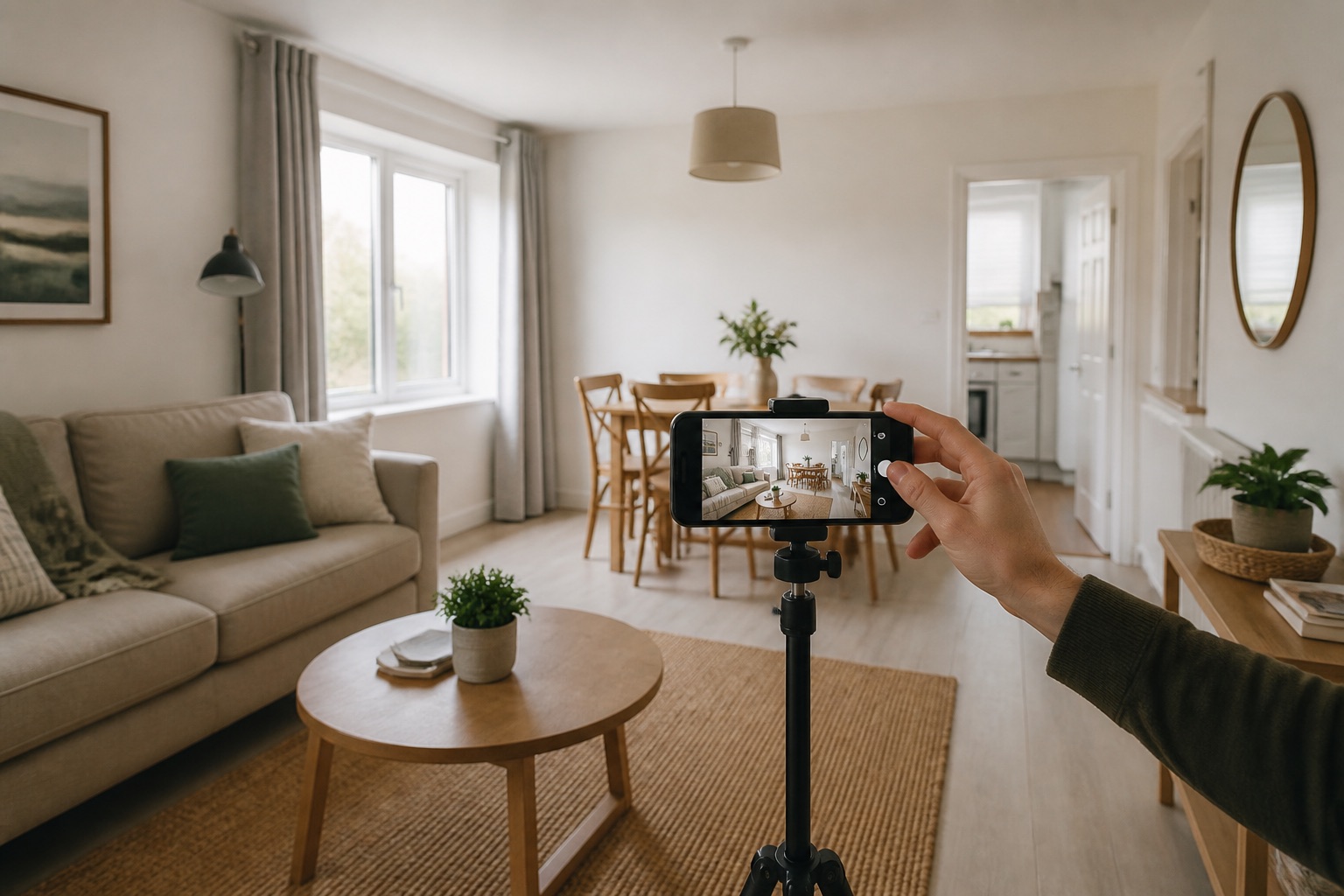

Instant Photoshoot
Listing audit
See what the photos are costing you.
Gallery detected. Ready to audit this listing.
Three clicks from clarity
Stay on the listing. Bring the gallery with you.
The extension reads the listing or venue gallery already open in your browser and hands it to the same Instant Photoshoot audit you can use on the website.
- 01
Open the gallery
Visit a supported listing or public property or venue gallery in Chrome.
- 02
Choose your next move
Run a free audit, or bring the gallery into an Instant Photoshoot batch.
- 03
Audit or improve
Review the weak spots first, or start preparing improved versions of the listing photos.
Where it works
Built around the listing sites you actually use.
Known platforms keep their tailored gallery handling. Other public venue websites use a careful page scan that removes logos, icons, duplicates and small interface graphics.
Private by design
It waits for you to click.
There is no background scanning and no browsing history collection. The extension runs on the listing you choose, sends the visible gallery to the audit and does not keep the listing photos.
No background process
No browsing history collected
No listing photos stored
No Instant Photoshoot account required
Free from the Chrome Web Store