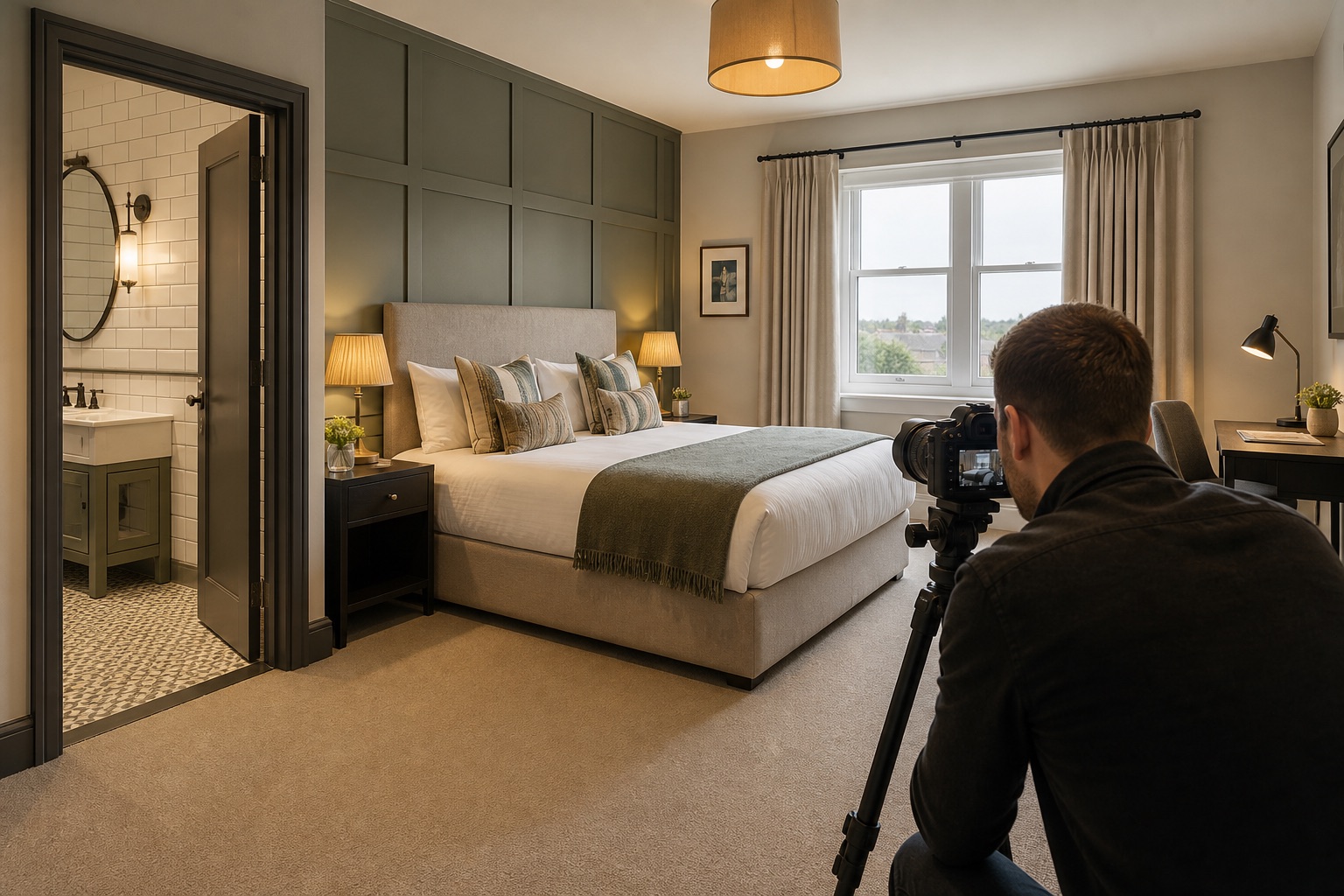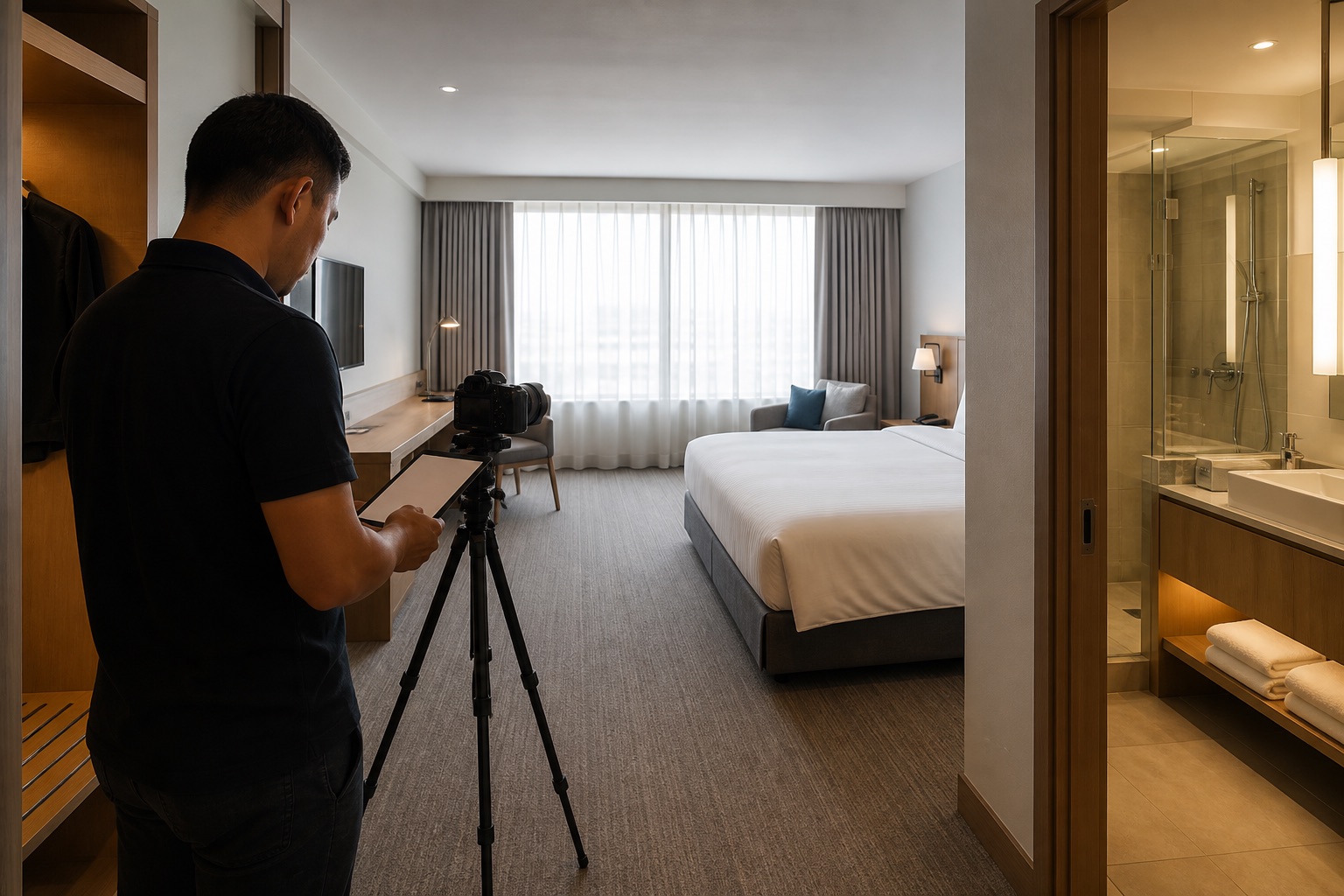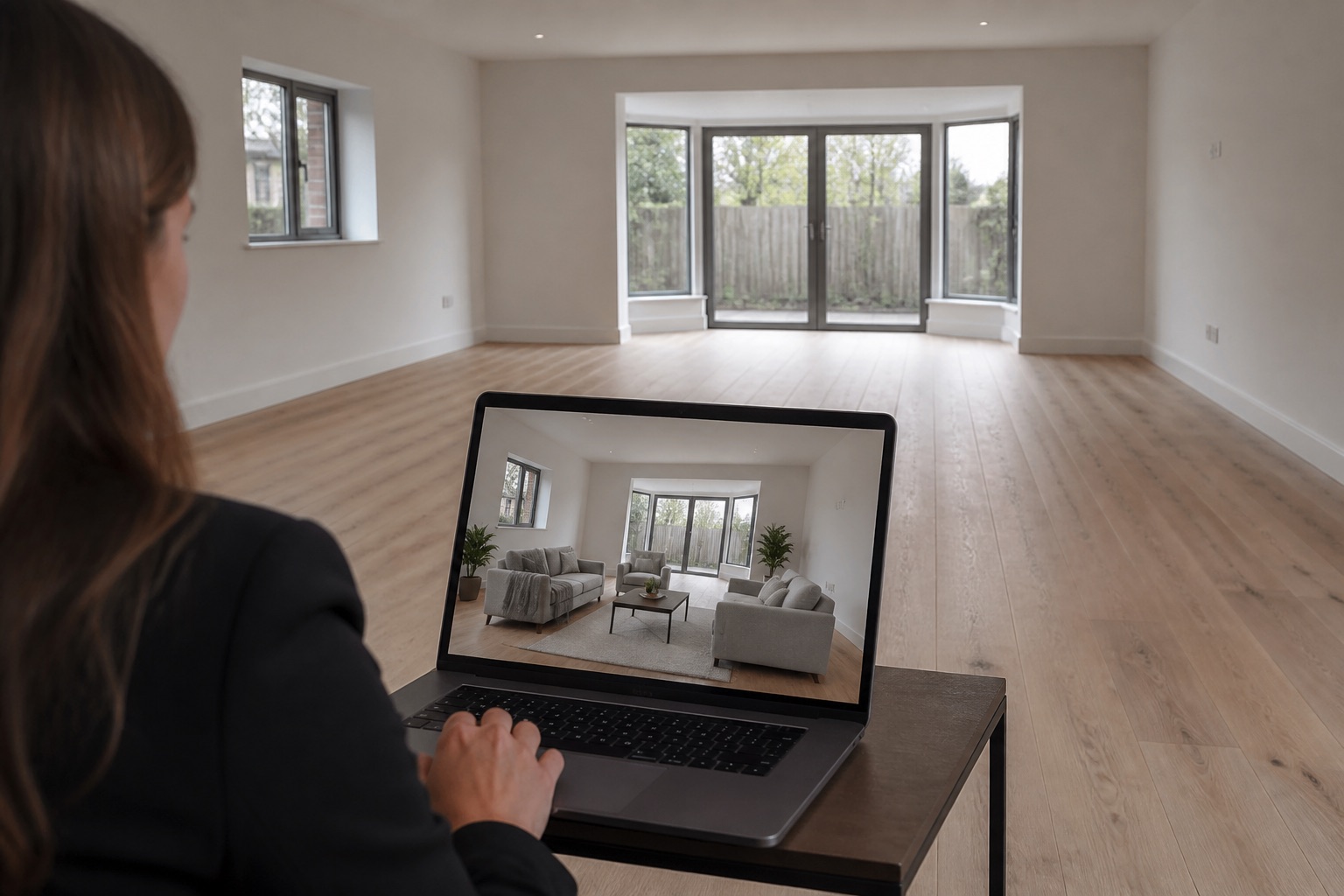
Start by matching every photograph to the room, facility or offer on its page. Then check the order, mobile crop and nearby explanation. Keep an accurate image that does its job; recrop or replace one that hides a useful feature or suggests something the guest will not receive.
A hotel website can have excellent photographs and still leave guests unsure what they are booking. Review the images as part of the journey from room page to booking, not as a collection of attractive files.
The short version
- Match every image to the exact room or facility being sold.
- Optimise the crop and sequence for mobile.
- Use captions and alt text for different purposes.
- Measure booking behaviour, not visual taste alone.
01
Map images to the booking journey
The homepage should establish the property and its most persuasive experience. Room category pages should show that exact category. Amenity pages should explain what is included, where it is, and how it feels to use. Offer pages should not use a generic image that contradicts the package.
Make a spreadsheet of public pages and the images used on each. Flag duplicated heroes, old rooms, missing mobile crops, and images that could belong to any hotel. This simple audit often reveals more than commissioning another shoot.
02
Make a keep, recrop, replace or reshoot decision
For each page, write down what the image must prove, what is actually shown on desktop and phone, and who can confirm that it matches the bookable product. This illustrative review shows how four different decisions can come from the same audit:
If the right photograph exists but the page uses the wrong one, replace it. If the subject disappears on a phone, try a crop from the original master. Commission a new photograph only when the necessary view does not exist or the room has changed. Record the decision and owner so the problem does not return at the next website update.
- Keep: the Standard King page shows the real Standard King, with its bed, bathroom and view visible in the gallery.
- Recrop: the pool photograph is accurate, but the mobile crop cuts off the pool and surrounding seating.
- Replace: a breakfast offer uses a dining image that shows a service not included in that offer.
- Reshoot: the accessible room gallery has no clear view of the actual entrance or bathroom layout. Confirm the required views with the hotel team before booking the shoot.
03
Treat room galleries as product evidence
Place the clearest full-room image first, then show the bed, view, bathroom, storage, seating, and any category-specific feature. Avoid mixing suites or upgraded rooms into a standard room gallery unless the difference is unmistakably labelled.
Include the features that influence selection, such as connecting doors, sofa beds, accessible layouts, balconies, desk space, or the exact bathroom configuration.
04
Design for the crop a guest actually sees
A wide desktop hero can become a narrow strip or a tall mobile panel. Set a focal point for responsive images and test every major page at common phone sizes. Do not allow the booking widget or headline to cover the bed, person, or key amenity.
Create separate crops when one image cannot survive every shape. Keep compression strong enough for speed without softening details guests need to inspect.
05
Use alt text, captions, and filenames properly
Alt text explains the image for people who cannot see it and when the file does not load. Describe the useful content in context, such as “King room with desk, armchair, and city view at night.” If an image is purely decorative or repeats information already given beside it, an empty alt attribute is usually more helpful than another announcement. Do not stuff a list of keywords into every image.
Captions can clarify room category, seasonal access, location within the hotel, or what is included. Filenames should be understandable to the team managing the library, but they are not a substitute for visible page copy.
06
Balance accuracy with atmosphere
Use accurate room images for decisions and lifestyle images for imagination. A guest-filled lobby or terrace can show the energy of a stay, but it should not replace the clear facility views people need before booking.
Keep illustrative campaign images distinct from the factual room and facility galleries. For Google Business Profile specifically, Google says photos should represent reality, without significant alterations or excessive use of filters or AI. Check each other channel's rules before supplying an edited image.
07
Measure whether images help people move forward
Track room gallery interactions, progression to the booking engine, room comparison, exits, and device type. Watch for pages where visitors repeatedly open a gallery but do not continue, which may signal missing information rather than weak aesthetics.
Run controlled tests on image order or hero choice. Keep room rates, copy, and offers stable where possible so the result is easier to interpret.
Further reading
Common questions
Questions people ask before they start
What image should a hotel homepage use?
Use an image that quickly identifies the property and its strongest guest experience. It should remain clear on mobile and lead naturally into the rooms or offers people can actually book.
How many photos should a hotel room page include?
Include enough to explain the full room, bed, bathroom, view, storage, seating, and category-specific features. Remove near-duplicates that add no new information.
Can AI-generated images be used on a hotel website?
They can support clearly presented campaign concepts, but permanent property features and bookable amenities must remain accurate. Check the rules of each distribution channel before supplying altered images.
About this guide
Written by the Instant Photoshoot Editorial Team
We create practical guidance for the people responsible for property and hospitality images. Our approach separates factual listing photography from the additional lifestyle and campaign scenes a marketing team may want to create.
Read how we create and review guides