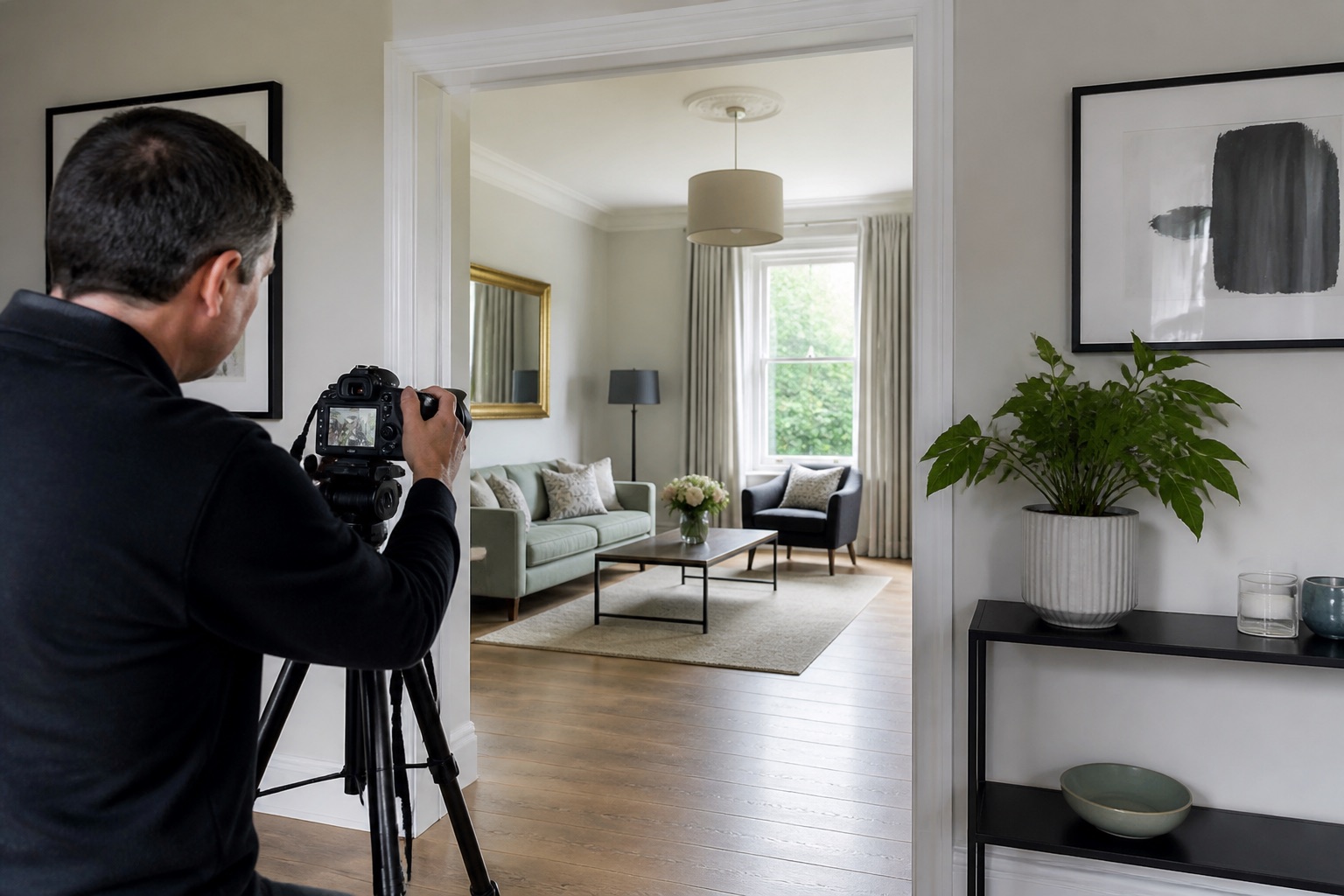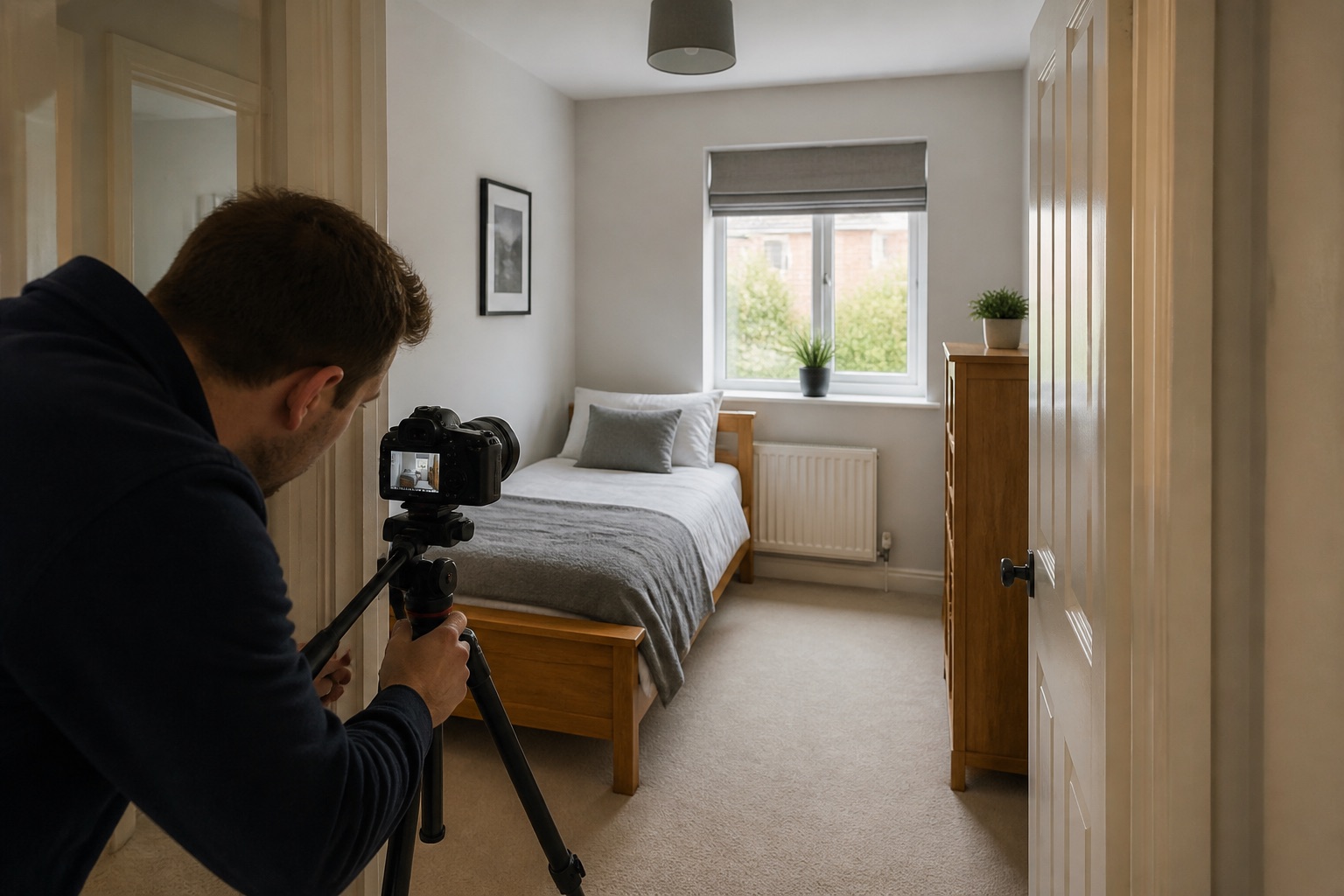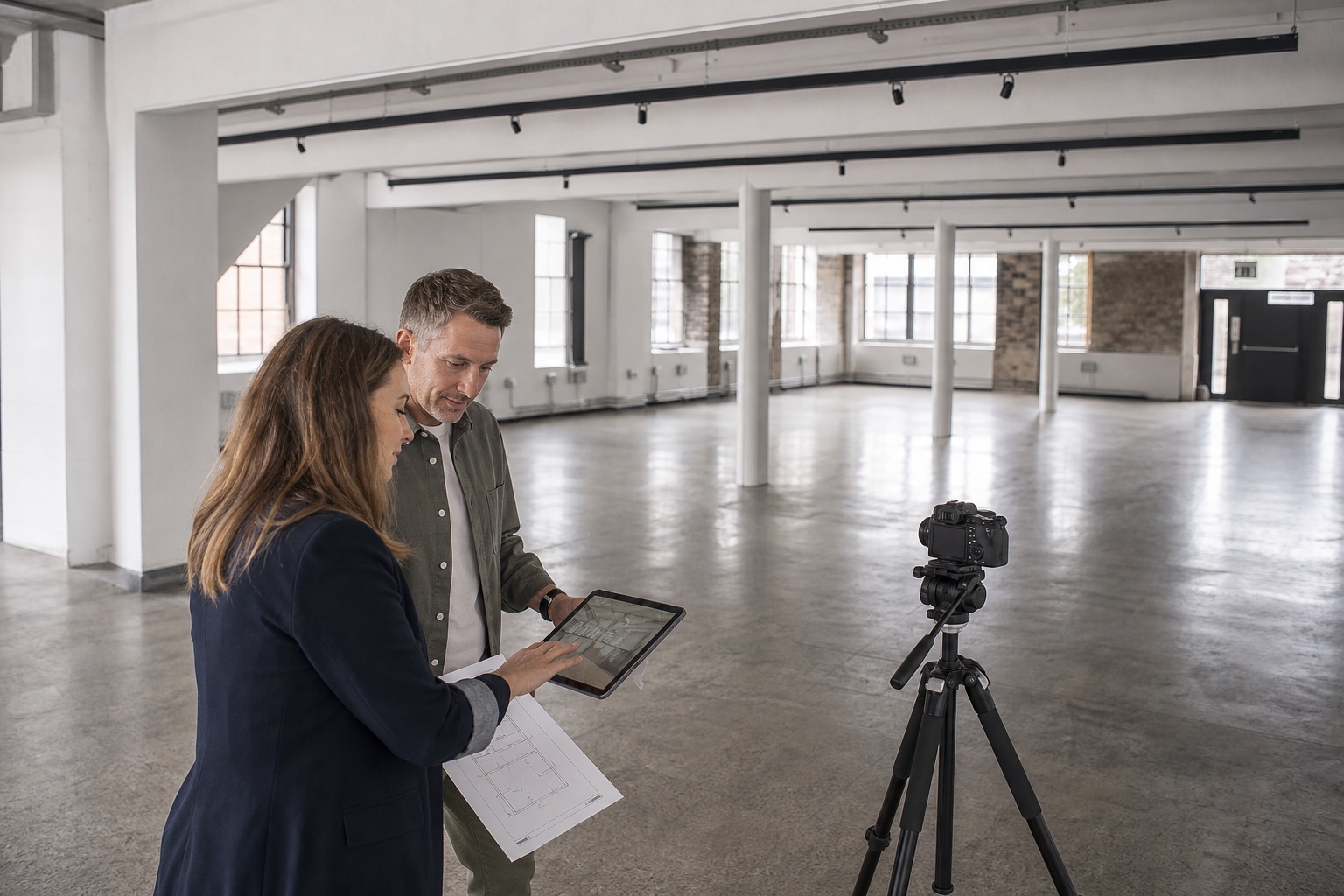
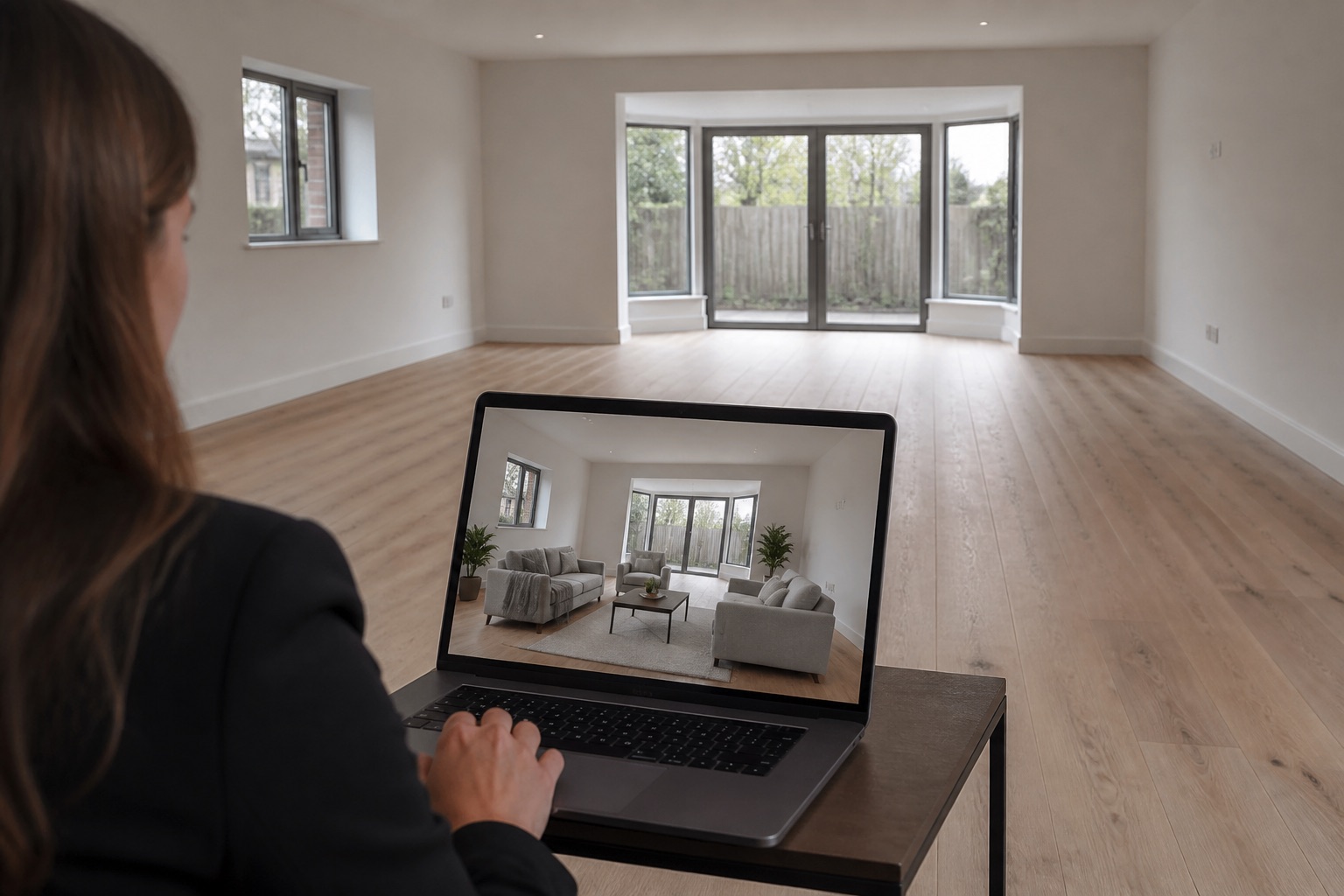
Virtual staging can help a buyer understand an empty or unfinished room. It can also create confusion when furniture scale is wrong, permanent features change, or the image is presented as an untouched photograph.
The responsible approach is simple: keep the property factual, stage only what could reasonably be temporary, disclose the alteration, and make the original image easy to view.
The short version
- Preserve all permanent property facts.
- Use realistic furniture scale and circulation.
- Label staged images clearly and show originals.
- Check local law, portal rules, and professional standards.
The process
- 01Choose a clean, accurate source photograph.
- 02Define the room use and likely buyer question.
- 03Measure key dimensions and fixed features.
- 04Create a restrained staging brief.
- 05Review scale, light, shadows, and property accuracy.
- 06Label the image as virtually staged.
- 07Publish the original alongside it.
- 08Archive both versions and the approval record.
01
Decide what the staging is meant to explain
Use virtual staging when an empty space is difficult to read, a room has an unclear purpose, or an off-plan scheme needs furnishing context. Write the buyer question first: Will a double bed fit? Can this open-plan room hold dining and seating? How might the terrace be used?
A specific question produces a more credible image than adding expensive furniture simply to make the listing feel luxurious.
02
Protect the permanent truth of the property
Do not change windows, doors, views, room dimensions, ceiling height, flooring condition, fixed lighting, landscaping, neighbouring structures, or permanent finishes unless the image is clearly presented as a proposed renovation concept with appropriate detail.
Temporary furniture, rugs, lamps, art, and freestanding accessories are safer staging elements. Even these should not hide defects or important fixed features.
03
Get scale and circulation right
Use room measurements to choose believable furniture sizes. Keep doors, wardrobes, and walking routes usable. Check that chairs can pull out, beds can be accessed, and the scene does not rely on miniature furniture.
Match perspective, camera height, light direction, reflections, and shadows to the source photograph. Visual polish is not enough if the room becomes physically impossible.
04
Disclose the image clearly
Place a visible label such as “Virtually staged” on or immediately beside the image according to local and platform requirements. Include the original empty photograph nearby and keep the pair in the same gallery sequence.
Do not bury disclosure in general terms at the bottom of a listing. A viewer should understand the status of the image at the moment they see it.
05
Use different concepts carefully
A second setup can help when a room could credibly serve as either a bedroom or office. Keep both versions grounded in the same dimensions and label each as an illustrative use.
Avoid publishing so many alternatives that the listing becomes harder to understand. One strong, relevant concept beside the original is often enough.
06
Create an approval and archive process
Store the original, staged version, brief, measurements, date, and approval together. Ask the responsible agent or property marketer to check every fixed feature before publication.
Rules differ between countries, portals, and professional bodies. Review the current requirements for the property location and advertising channel. When the position is unclear, choose the more transparent presentation.
Further reading
Common questions
Questions people ask before they start
Is virtual staging allowed in real estate listings?
Rules vary by location, listing portal, and professional body. It is commonly used, but alterations should be disclosed and must not misrepresent material property features. Check the current rules that apply to your listing.
Should the original empty photo be included?
Yes. Showing the original beside the virtually staged version gives buyers a clear factual reference and makes the purpose of the visualisation easier to understand.
What should never be changed in virtual staging?
Do not alter or conceal permanent features, dimensions, condition, views, boundaries, access, or defects in a way that could change a buyer’s understanding of the property.
Can virtual staging add people?
People can communicate scale or lifestyle in clearly labelled marketing concepts, but they should not obscure features or make a documentary listing image look like a real occupied event.
About this guide
Written by the Instant Photoshoot Editorial Team
We create practical guidance for the people responsible for property and hospitality images. Our approach separates factual listing photography from the additional lifestyle and campaign scenes a marketing team may want to create.
Read how we create and review guides