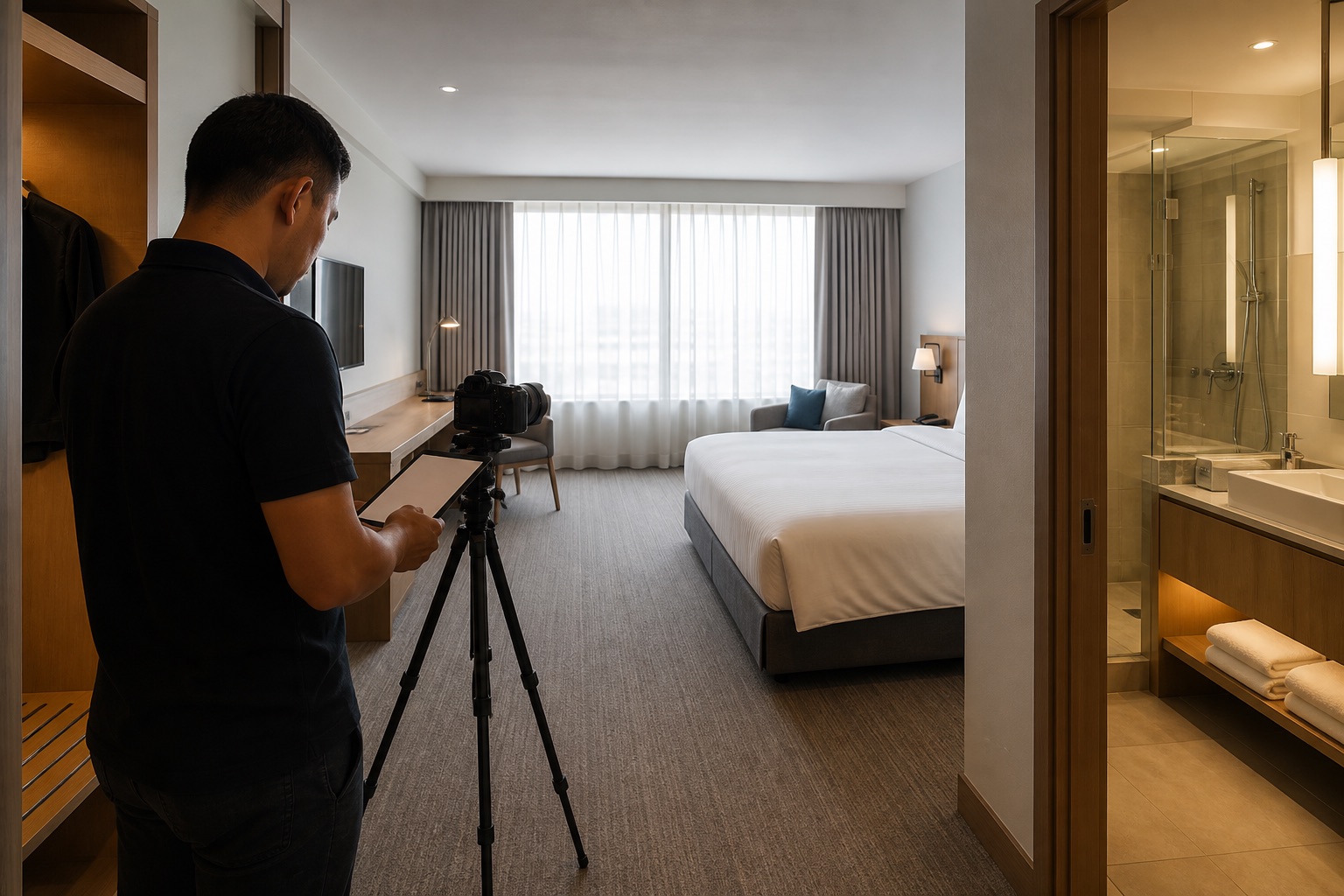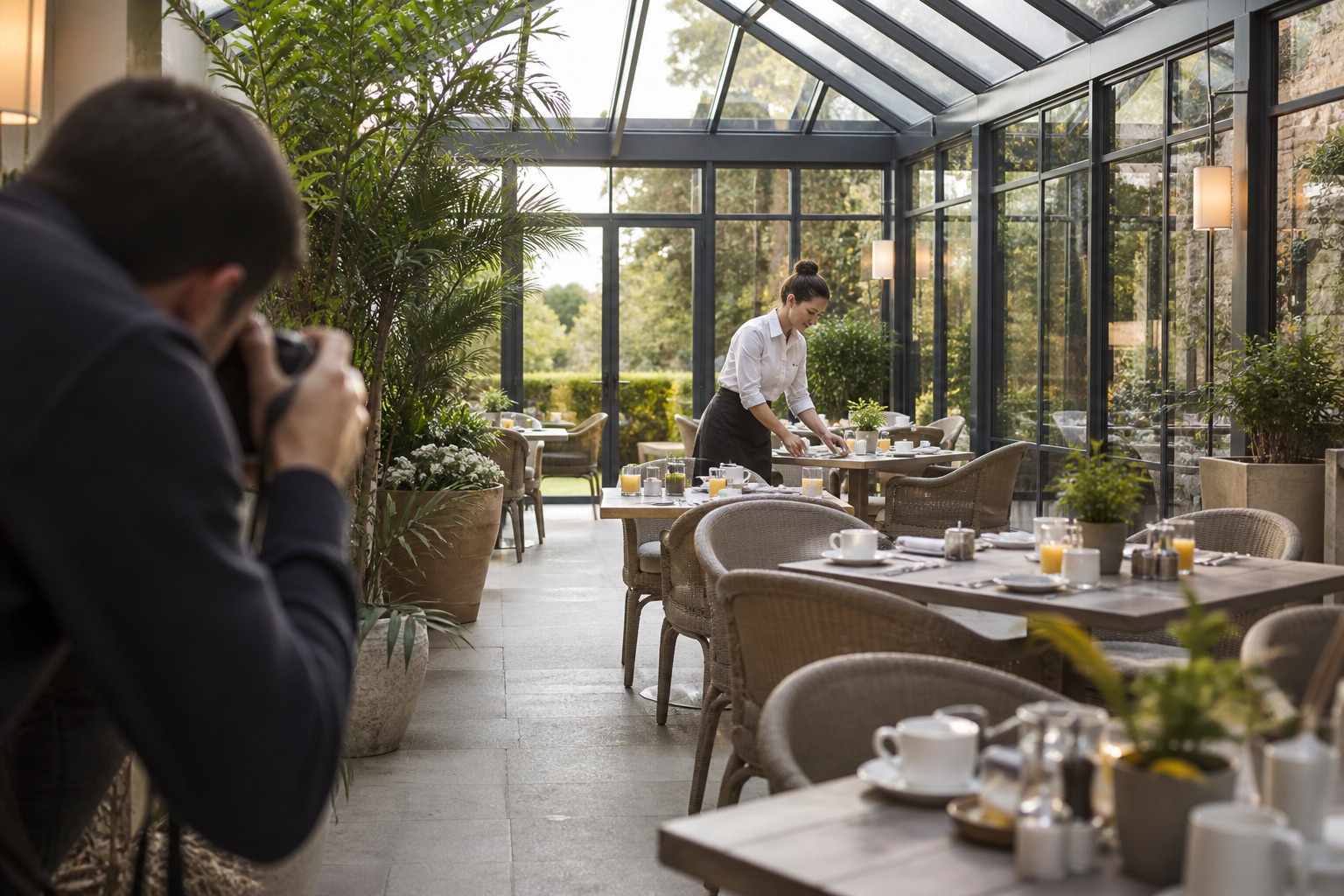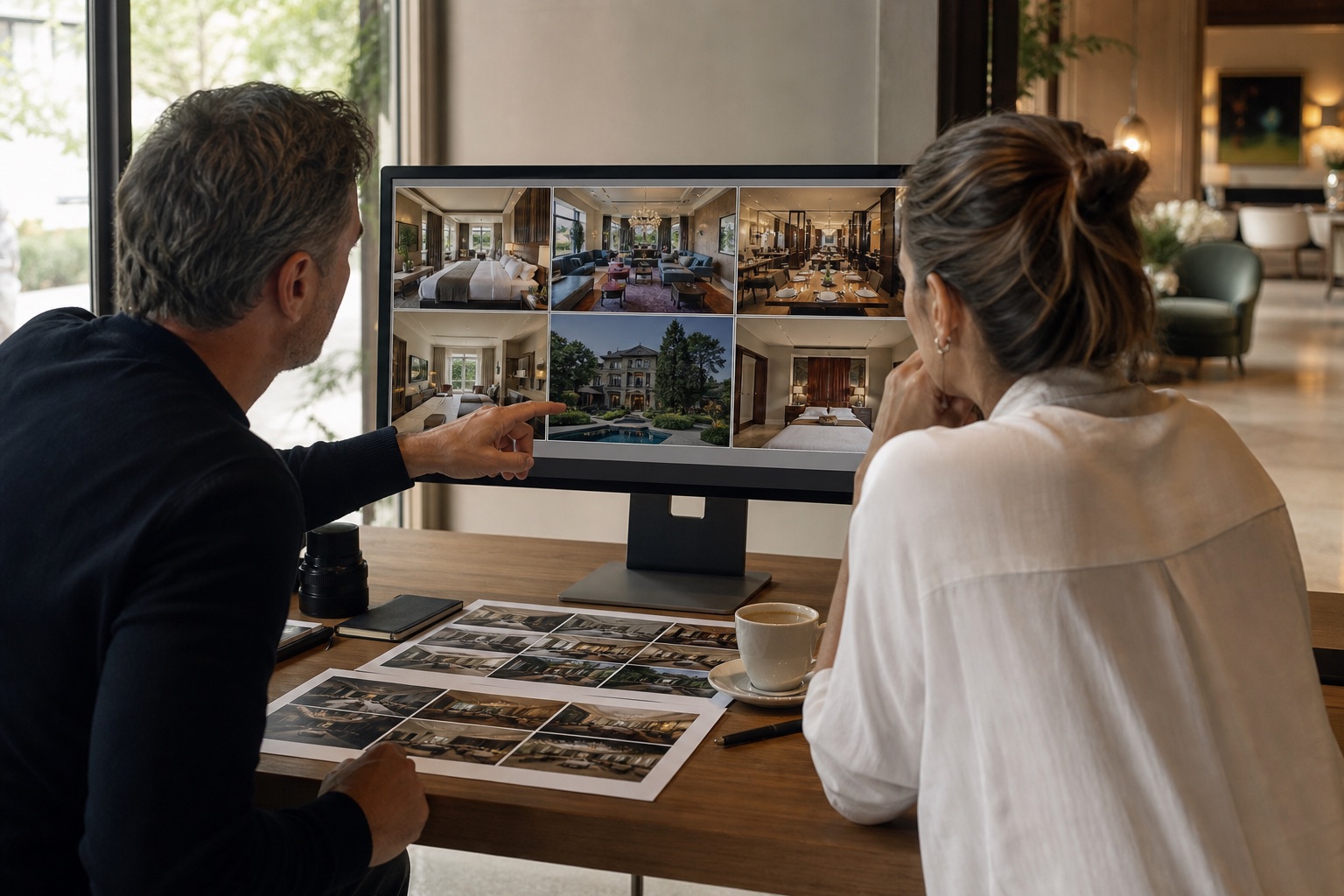
A hotel photography shoot should cover every bookable room category, its bathroom and real view, arrival, food and drink, key amenities, and the access details guests rely on. Photograph these facts first. Service and campaign scenes can then show what a stay feels like without leaving gaps in the room library.
The most useful shoot starts with distribution. Decide what the booking website, online travel agents, Google, sales team, event team, and social channels each need. Then build one coordinated shot list rather than discovering gaps after the crew has left.
The short version
- Plan by room type and sales channel.
- Photograph the property both empty and in use.
- Prioritise accurate room coverage before decorative details.
- Create a master image library with clear usage rights.
Visual field guide
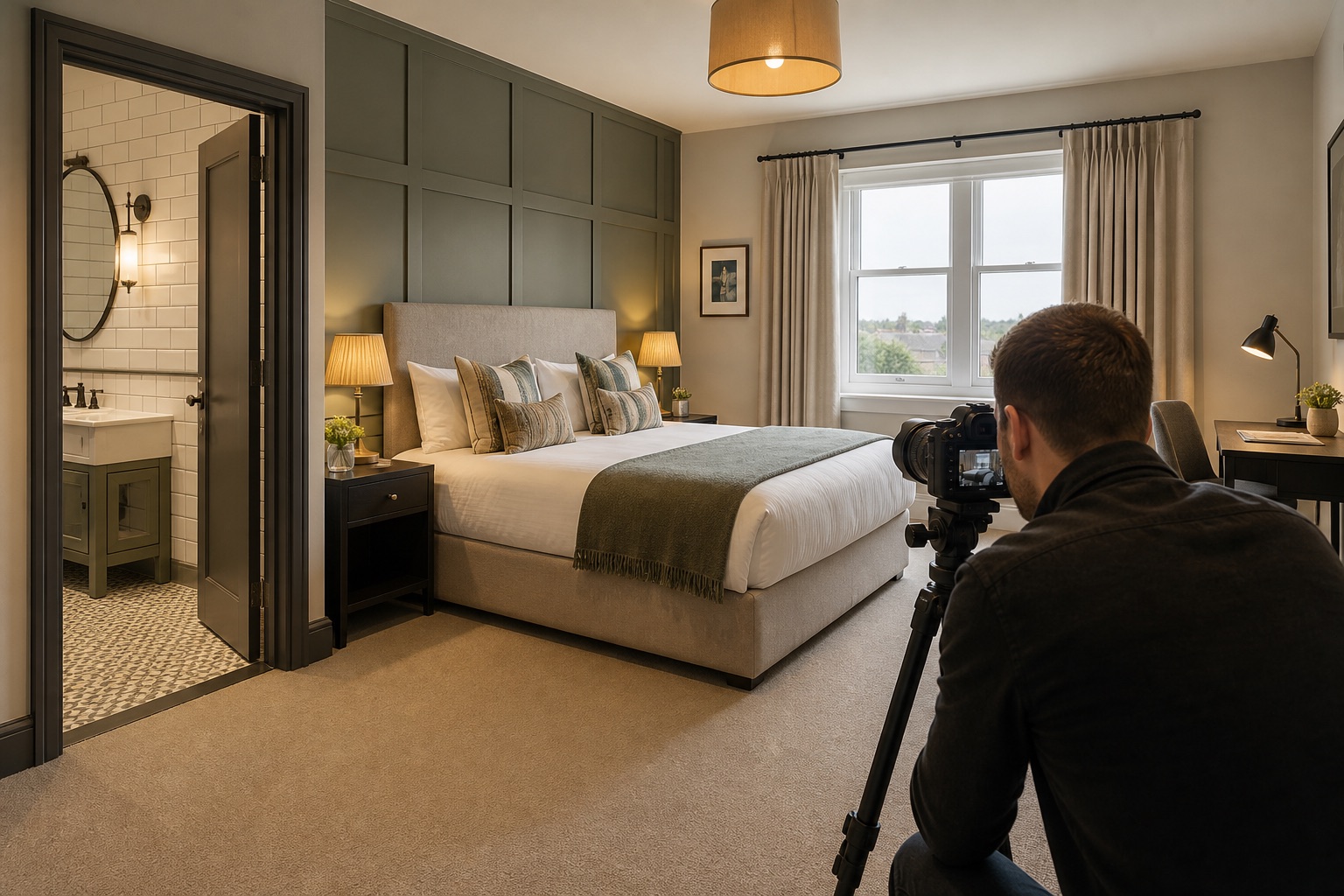
Photograph the promise and the proof
Hotel imagery has two jobs. It must prove what the guest receives and help them imagine the stay. Capture both deliberately instead of asking one image to do everything.
Proof
Show what is included
Record the room, bed type, bathroom, view and fixed amenities without visual ambiguity.
Use
Show how it works
Photograph breakfast, spa, work, family or arrival moments that match a real guest need.
Brand
Show what feels distinctive
Use service, materials, local details and atmosphere to separate the property from a generic room.
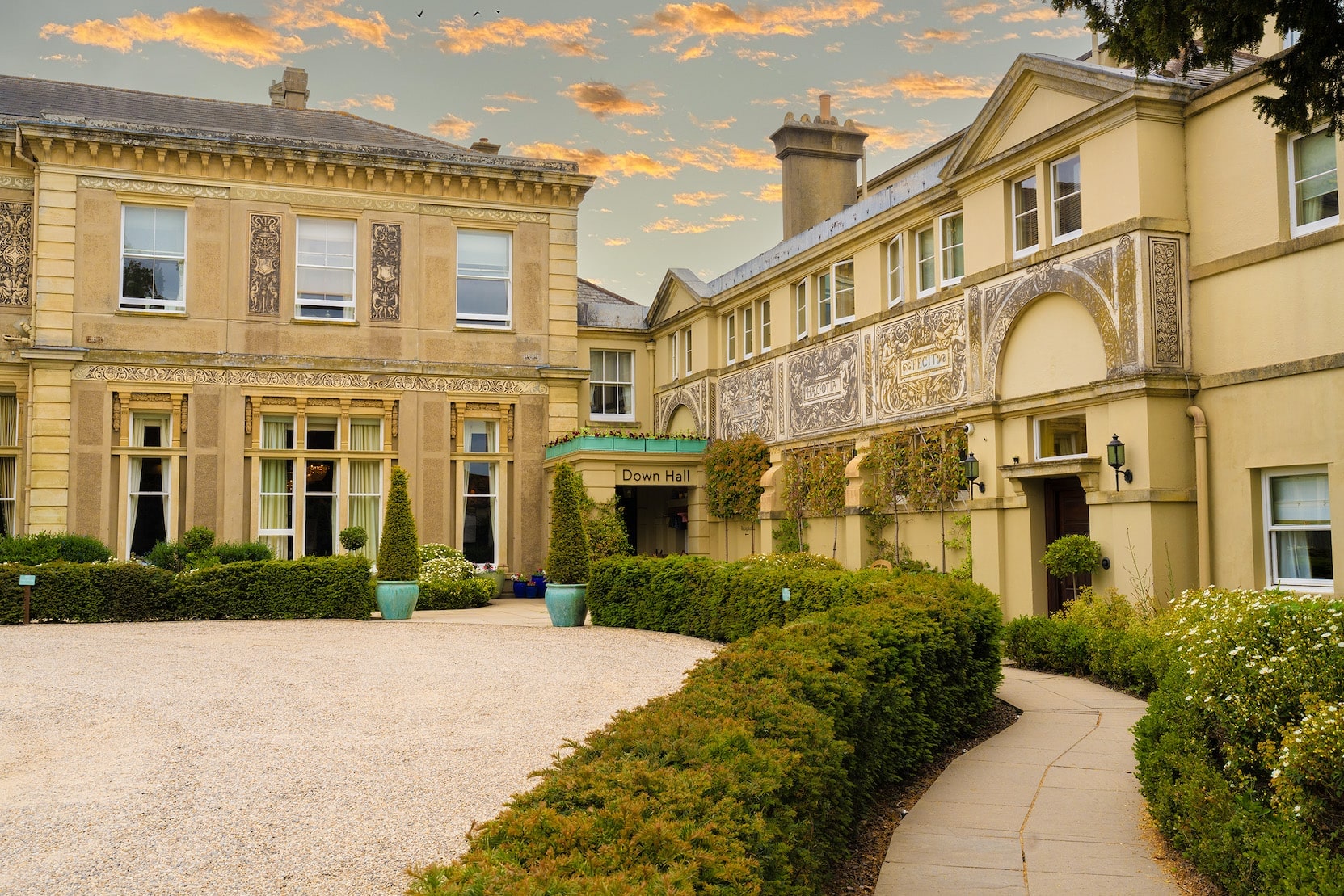
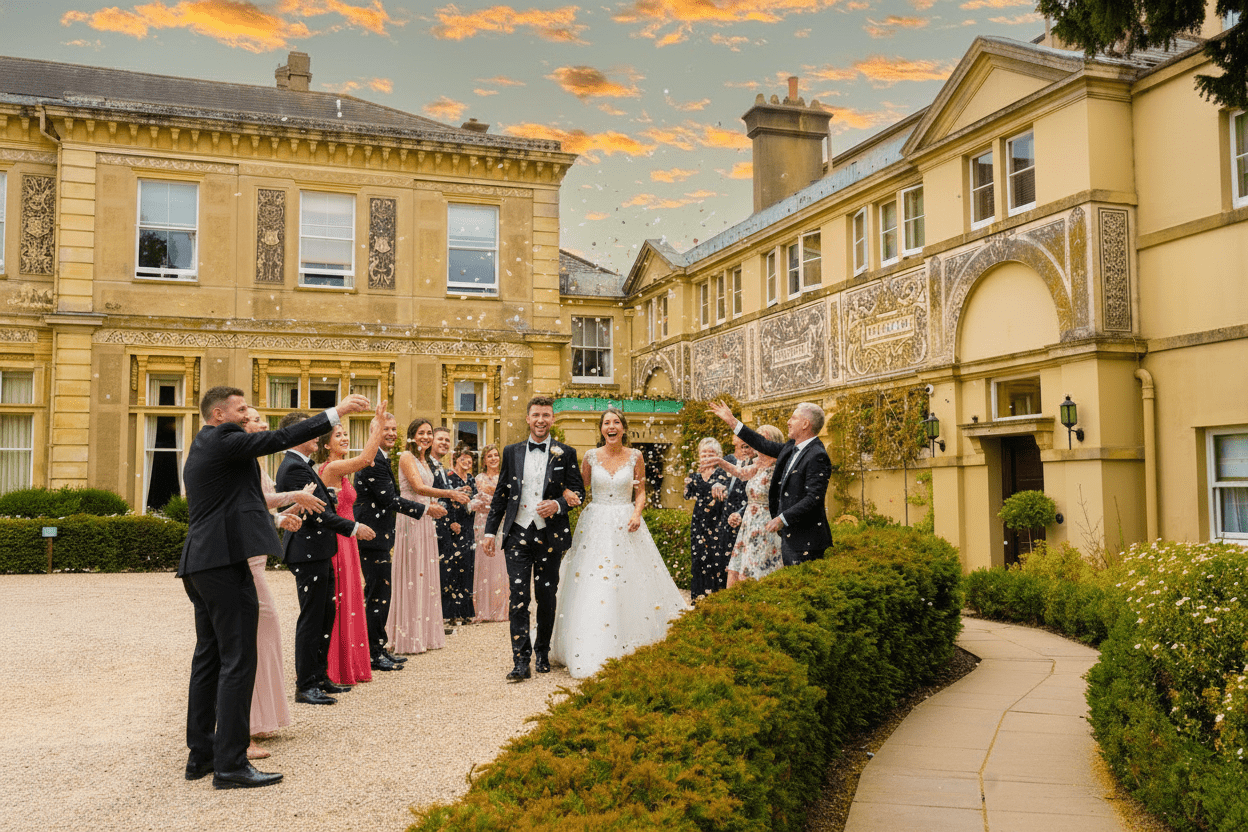
SourceProperty proof
Additional sceneGuest experience concept
Take it on the shoot
Hotel image library plan
- Exterior, entrance and reception
- Every bookable room category
- Bathroom, storage, desk and in-room amenities
- Restaurant, bar and breakfast service
- Pool, spa, gym and leisure spaces
- Meeting, wedding and event rooms
- Accessibility and family facilities
- Staff and service moments with permission
- Seasonal exterior and destination context
Accuracy check: Room type, view, access, capacity and permanent property features must remain accurate in every booking image.
The process
- 01Audit the current image library.
- 02List every room type, amenity, and sales need.
- 03Build the schedule around light and operations.
- 04Prepare and inspect each space.
- 05Capture accurate architectural coverage.
- 06Add service and lifestyle moments.
- 07Edit for a consistent property-wide look.
- 08Label, license, and distribute the final library.
01
Start with an image audit, not a mood board
List every place your photographs appear, including the direct booking site, Google lodging profile, online travel agents, brochures, proposals, press, and social media. Record what is missing, old, inconsistent, or tied to a room that has changed.
Separate essentials from campaign ideas. Essentials include every active room type, bathrooms, exterior, entrance, reception, common areas, food and drink, key amenities, and accessibility. Campaign images can then build emotion around the complete factual set.
If you already have a public hotel gallery, run it through the free photo audit and read the notes against the actual images. It can flag weak coverage, image quality and ordering in the photos it can access. Some booking sites block a pasted URL, so use the browser extension or upload up to 20 photos in gallery order. Then check your own room-type and channel inventory: a sampled visual report cannot tell you which rooms you sell, whether an amenity is open or whether an image is current. Treat its score as a review prompt, not a booking forecast.
02
Schedule the day around light and hotel operations
Walk the property at the same times you expect to shoot. Note when rooms receive daylight, when public areas are quiet, when the restaurant is set, and when exterior light is strongest. Coordinate housekeeping, engineering, food and beverage, front desk, and events so each space is ready when the camera arrives.
Photograph clean architectural views before adding models or allowing a setup to change. That gives revenue teams a dependable base library and lets lifestyle production continue without risking the essential room coverage.
03
Photograph every room type accurately
Document each sellable category rather than relying on one attractive room to stand for the hotel. Capture the full bed, floor around it, windows, storage, work area, bathroom, and the real view from the room. If rooms within one category differ materially, photograph the variations or explain which version is shown.
Keep vertical lines straight and avoid lenses that stretch beds or make circulation space appear larger. Guests compare images with the room they receive, so accuracy is part of the service promise.
04
Turn the room list into a shoot plan
Give each bookable category its own row in the brief. Record the representative room number, what distinguishes it, the photographs still needed, when housekeeping can release it and who will approve the finished set. This makes a missing bathroom view or an unavailable room visible before the shoot.
Here is an illustrative example, not a record of a client shoot. Replace these categories with the rooms your hotel actually sells:
- Standard double: show the bed with surrounding floor space, the bathroom and the actual outlook. Check that the selected room represents the category before assigning its images to every standard double.
- Twin room: photograph the two-bed arrangement and the space between the beds. Do not reuse the double-room photograph simply because the furniture and finishes match.
- Room with a balcony: capture the room, the route onto the balcony and the view from that specific room. Keep those images out of galleries for categories without a balcony.
- Accessible room: record the entrance, circulation space, bathroom layout and individual access features. Ask the hotel team to confirm measurements and descriptions; a photograph alone cannot establish suitability for every guest.
05
Cover amenities as experiences and as facts
For a pool, spa, gym, lounge, breakfast room, restaurant, bar, terrace, or meeting space, create at least one clear view that explains the facility and one closer view that captures its character. Include opening context and seasonal setup where relevant.
People can help explain scale and atmosphere in communal areas. Use them with intention: a couple checking in, a family at breakfast, colleagues in a meeting break. Keep room and amenity features unchanged, and obtain the releases required for commercial use.
06
Give direct booking pages their own image plan
Online travel agent galleries often prioritise factual coverage. Your own website also has to carry the brand. Create horizontal hero images with clean space for responsive crops, vertical options for mobile and social, and detail images that support packages or stories.
Do not force one photograph into every shape. Capture alternate compositions while the room is ready. The cost of an extra frame is small compared with organising another shoot.
07
Prepare a separate set for Google lodging listings
Before handing over the files, check what each destination actually accepts. Google Hotel Center currently recommends landscape images at 2048 × 1366 pixels or larger, with a minimum of 1024 × 683 pixels, a maximum file size of 10 MB, and JPG, JPEG, WebP or PNG format. Those are Google lodging specifications, not a universal rule for your website or every booking partner.
Export from the sharp edited master rather than enlarging a small photograph. Check that each active room category has its own accurate images, then review the crop, file size and labels in the version you will deliver. Keep the original masters and channel-ready exports separate so a later resize does not replace your best source file.
08
Manage the library like a hotel asset
Name files by property, space, room type, orientation, and date. Record model releases, photographer licence terms, expiry dates, and any channel limitations. Keep edited masters separate from web exports.
Review the library after renovations, seasonal changes, rebranding, and operational changes. Remove old images from every distributor, not only the main website.
Further reading
Common questions
Questions people ask before they start
How often should a hotel arrange new photography?
Arrange new photography after meaningful changes to rooms, amenities, branding, landscaping, or the guest experience. Review the full library at least yearly so old images do not remain on third-party channels.
Should hotel photos include people?
Use people in communal and campaign images when they clarify scale, service, or atmosphere. Keep a complete set of accurate empty-space images for rooms and facilities, and secure commercial releases for identifiable people.
What hotel images should be photographed first?
Prioritise every active room type, bathrooms, exterior and arrival, reception, common areas, food and drink, major amenities, and accessibility information before optional campaign details.
About this guide
Written by the Instant Photoshoot Editorial Team
We create practical guidance for the people responsible for property and hospitality images. Our approach separates factual listing photography from the additional lifestyle and campaign scenes a marketing team may want to create.
Read how we create and review guides