All templates

Editable listing template

Real Estate Photography Brief Template

Write a property photography brief covering room shots, factual originals, virtual staging, image approval, disclosure, and delivery.

Free to edit and downloadNo registrationNothing submitted

The short answer

What belongs in the brief?

A real estate photography brief transfers the facts the agent knows to the photographer before the appointment. It should identify the property type, target buyer, strongest features, every room and exterior that must be documented, practical access, and delivery formats. If the team also wants illustrative images, the brief should pair each concept with its factual original and record who checks the result and where it may be published.

An editable brief that helps the photographer cover the property and gives the agent a clear record for approving each factual or illustrative image.

Editable template

Write your real estate photography brief template

Replace the prompts with your project details. Your edits stay in this browser and are not sent to Instant Photoshoot.

Why each section exists

Give the photographer decisions, not adjectives.

01

Listing and buyer

Give the photographer enough context to make informed framing decisions on site.

  • Property and appointment: Address, property type, access contact, date, and available shoot window
  • Target buyer: First-time buyer, family, investor, downsizer, luxury buyer, tenant, or another real audience
  • Strongest selling features: Architecture, view, garden, layout, finish, storage, transport, or other verifiable features
  • Known challenges: Small rooms, occupied areas, unfinished work, parking, access, reflections, or weather sensitivity
02

Property coverage

List the evidence a buyer needs rather than relying on a standard room count.

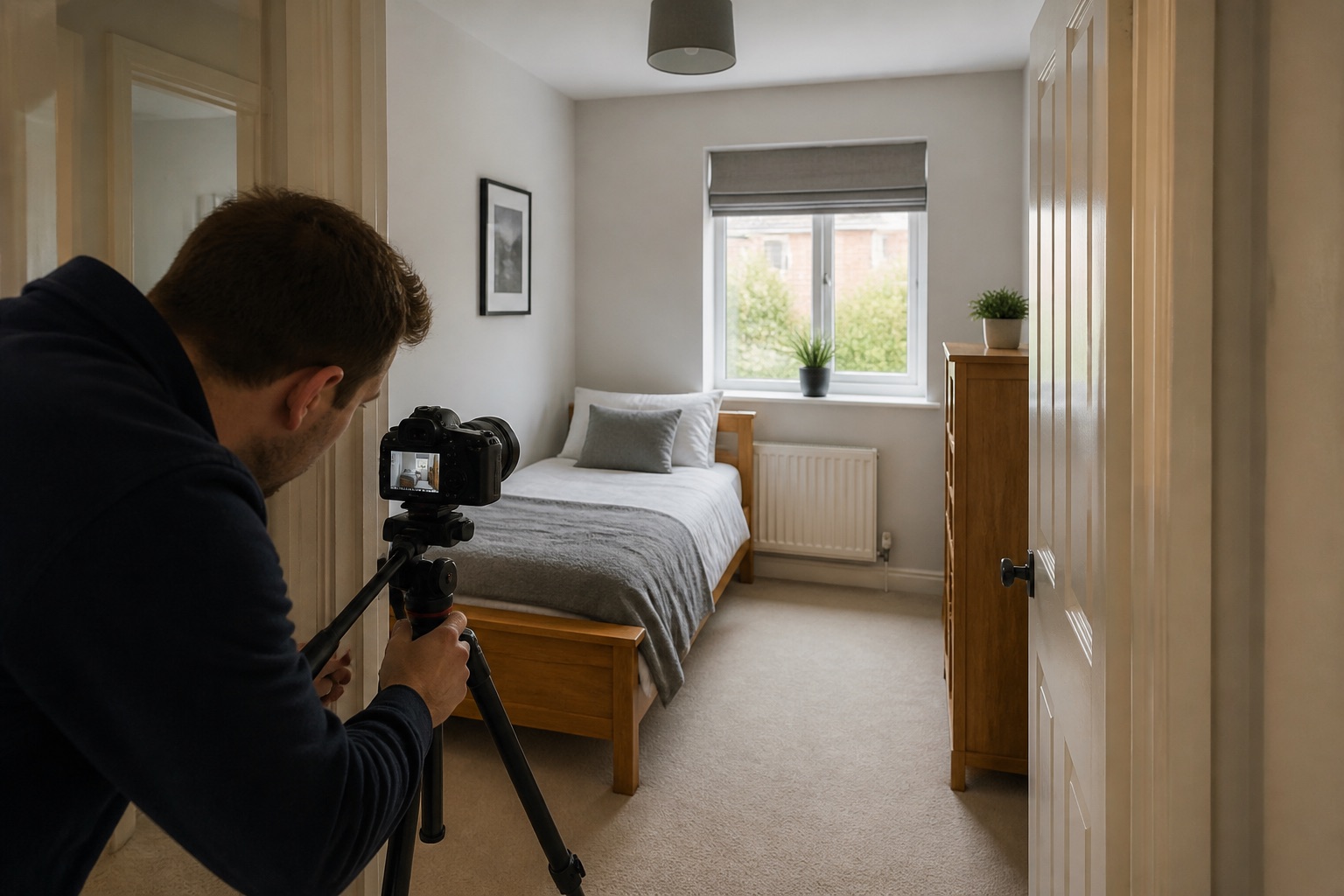
  • Exterior and arrival: Front elevation, approach, entrance, parking, boundaries, garden, balcony, outbuildings, and local context where appropriate
  • Interior room list: Hallways, living spaces, kitchen, every bedroom and bathroom, utility, storage, and working areas
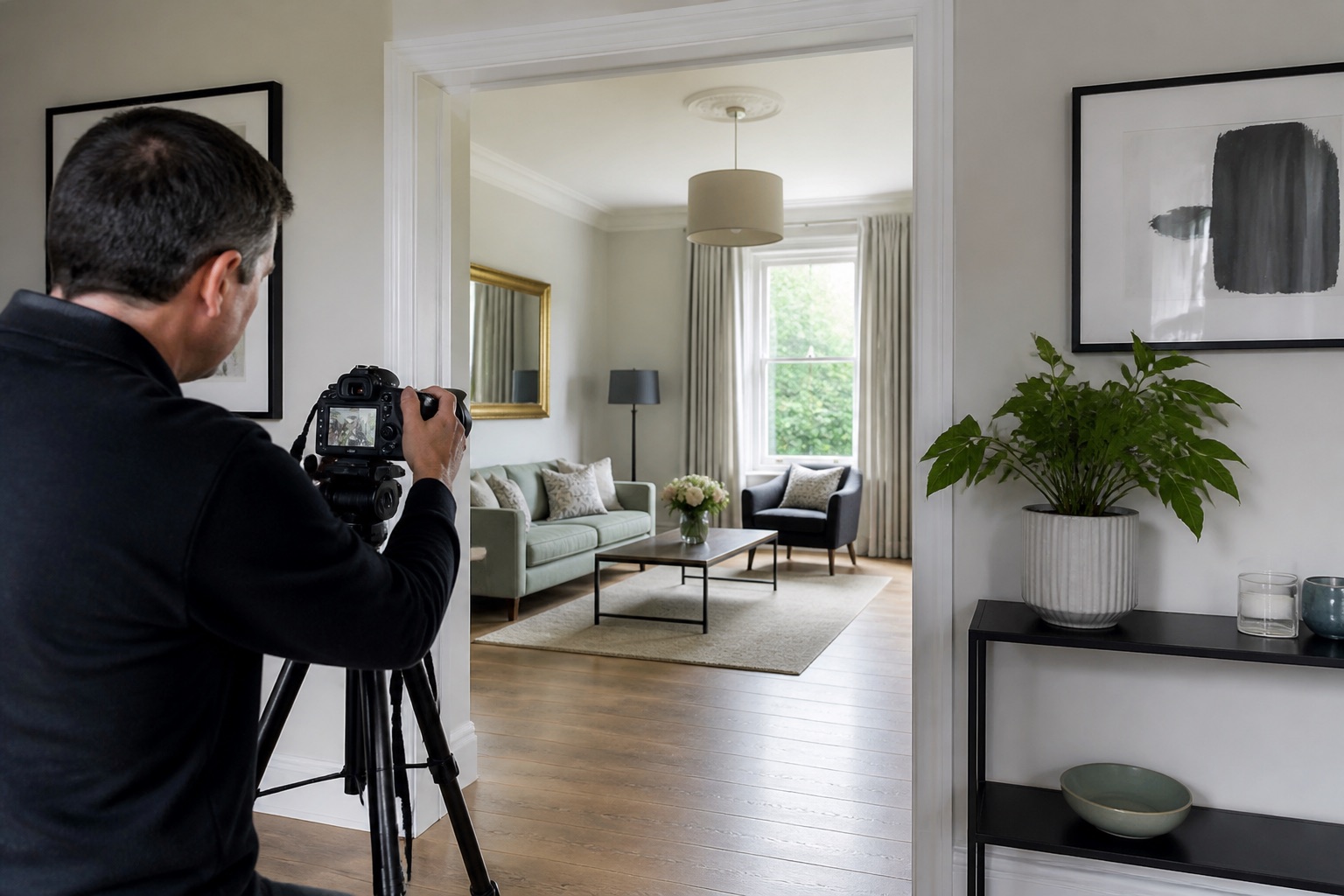
  • Connections and scale: Angles needed to show room flow, doors, windows, floor area, ceiling height, and usable layout
  • Priority details: Original features, appliances, storage, finishes, view, or condition details that matter after the wide coverage
03

Editing and delivery

Agree the factual boundary, then give every illustrative image a source and a publication decision.

  • Permitted corrections: Exposure, colour, verticals, temporary clutter, screen content, or other agreed corrections
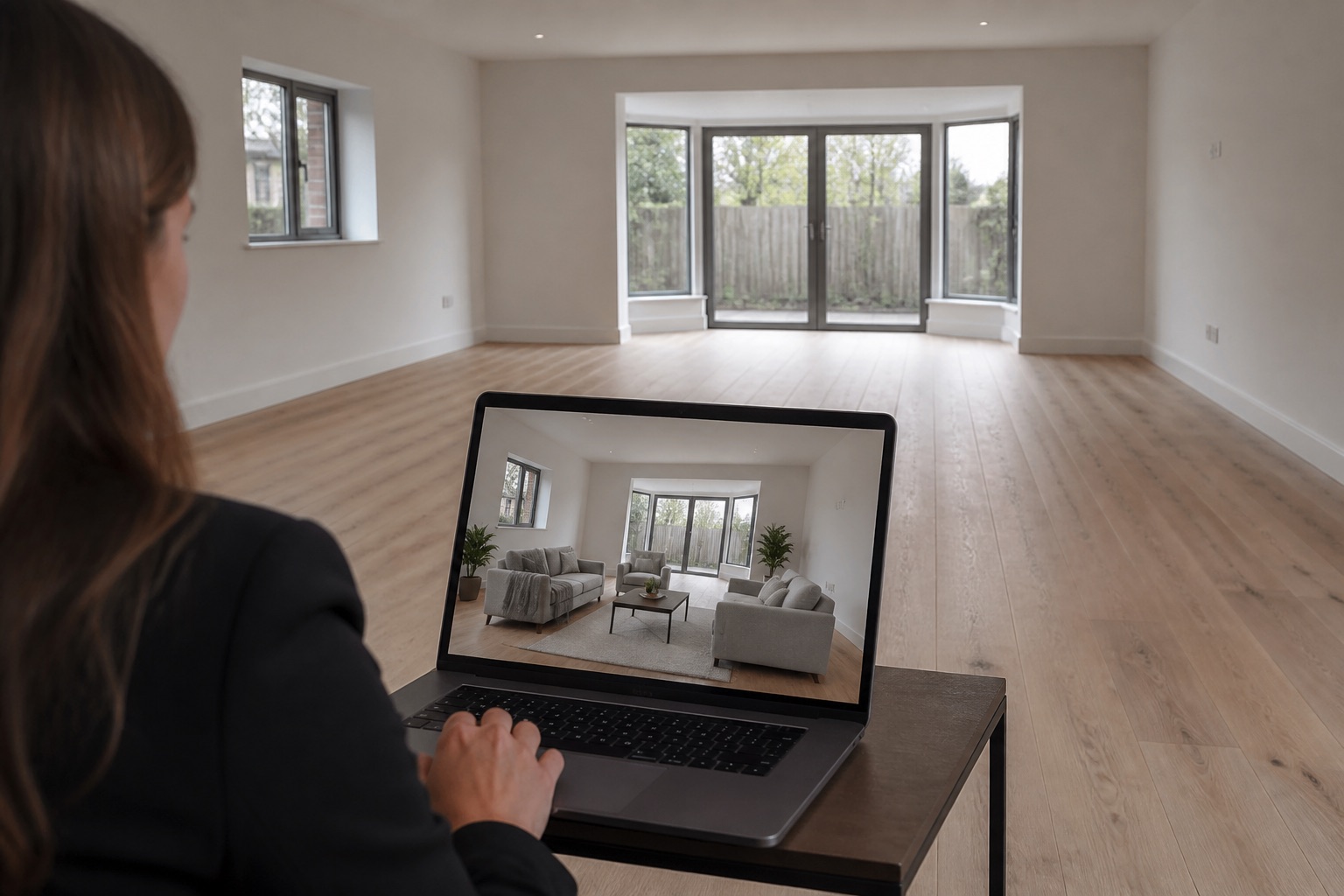
  • Virtual staging: Rooms, furnishing purpose, style, disclosure wording, and requirement to retain the original image
  • Original and concept pairs: For each concept: original filename, edited filename, room or exterior, intended change, and where the unedited image is kept
  • Accuracy sign-off: For each pair: compare fixed features, condition, view, scale, access, and boundaries; record approve, revise, or reject, with reviewer and date
  • Publication decision: For each image version: approved channel, visible caption or disclosure, applicable platform rule checked, and final approver
  • Floor plan and media package: Floor plan, video, drone, twilight, 360 tour, or other separately commissioned assets
  • Delivery deadline: Date, time, and any staged delivery dates
  • File requirements: Orientation, crop ratios, resolution, colour profile, and file format
  • Usage: Website, listing platform, email, advertising, social media, print, press, or internal use
  • Approval: Name the person who will approve the final selection

The image plan

Three priorities for this property type.

01

Establish the property

Cover the exterior, arrival, main living spaces, and the feature that best explains the listing.

02

Explain room connections

Use level second angles to show doorways, adjoining spaces, windows, and usable circulation.

03

Preserve factual evidence

Retain accurate originals and disclose virtual staging or illustrative lifestyle treatments clearly.

Accuracy boundary

Do not alter boundaries, views, dimensions, condition, neighbouring structures, or permanent fixtures. Keep the original image available beside every virtually staged or illustrative version. A detailed brief does not guarantee an accurate generated result; compare and approve each image before use.

Primary guidance used

Plan the details

Related photography guides

Browse all guides

Use the brief now. Extend the library later.

Once the factual gallery is complete, use your own source images to create additional lifestyle scenes for a specific campaign.

Create real estate marketing scenes