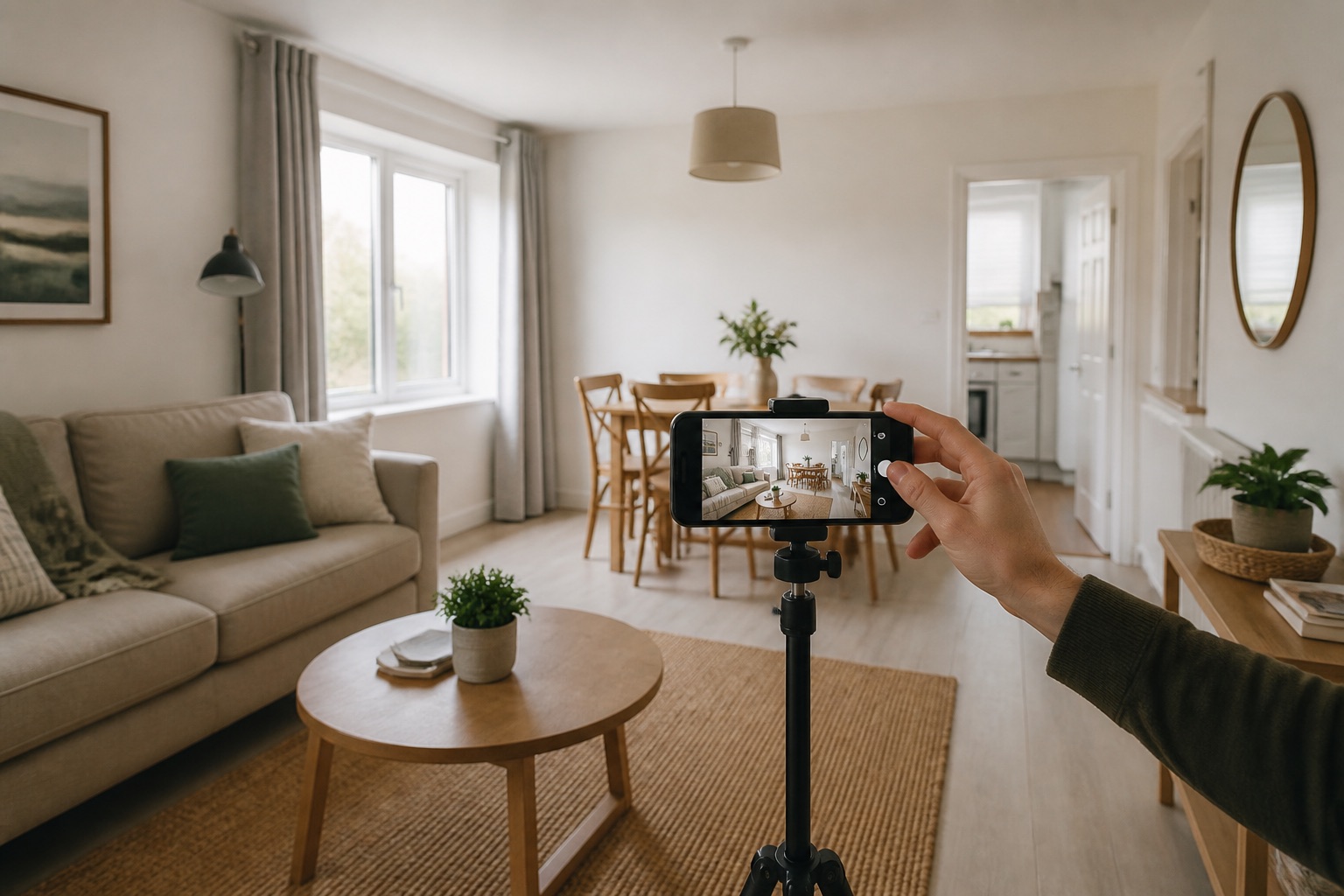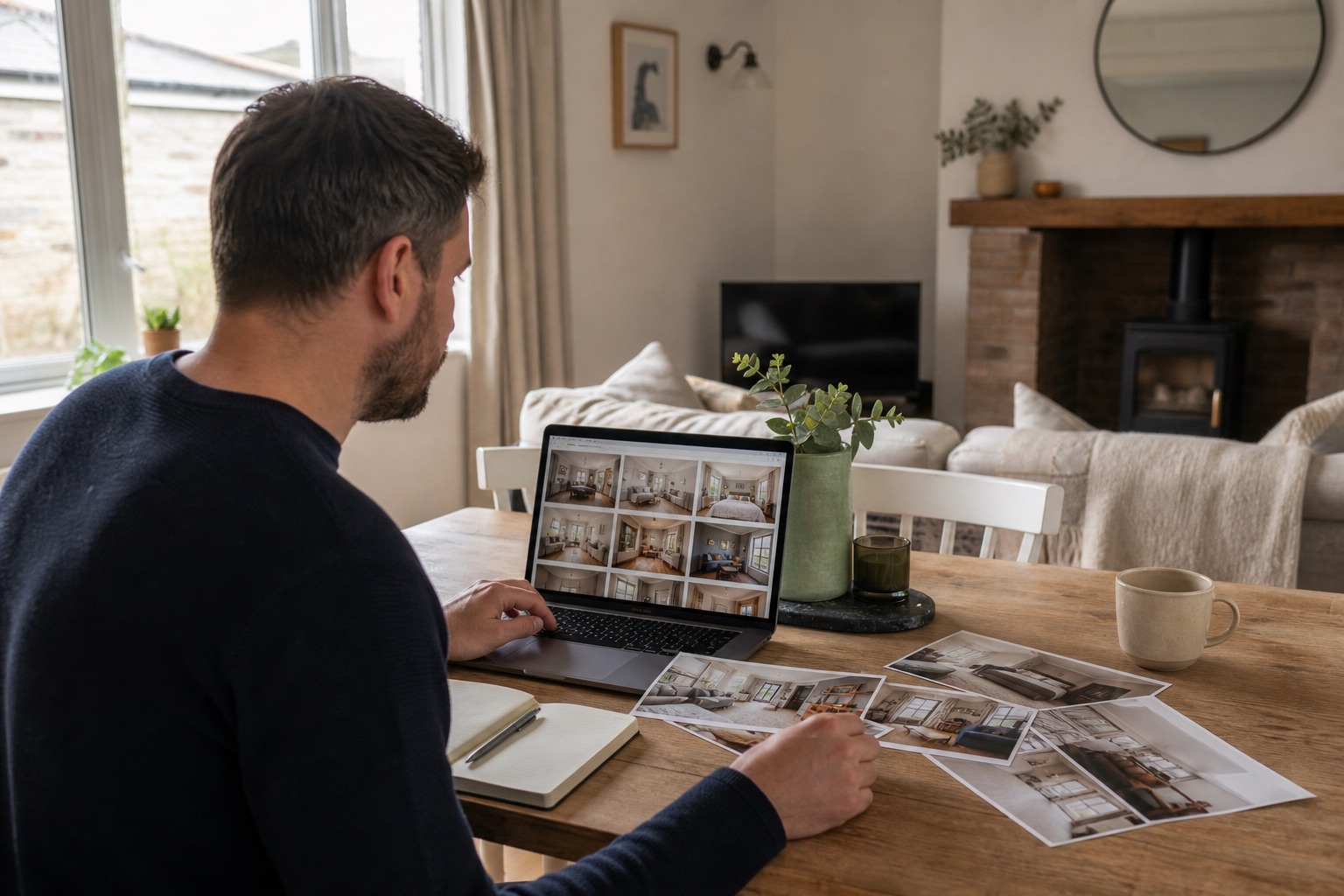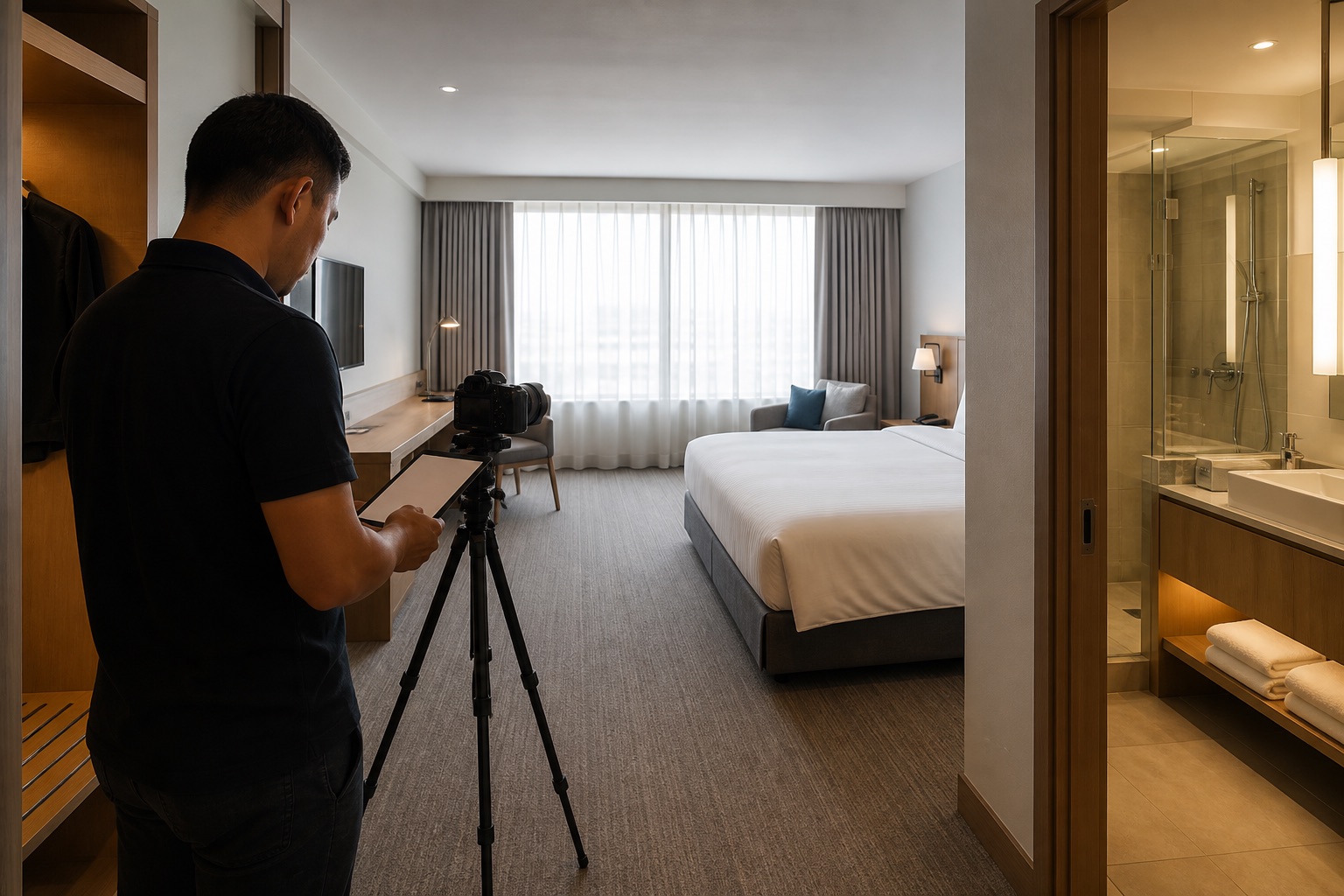
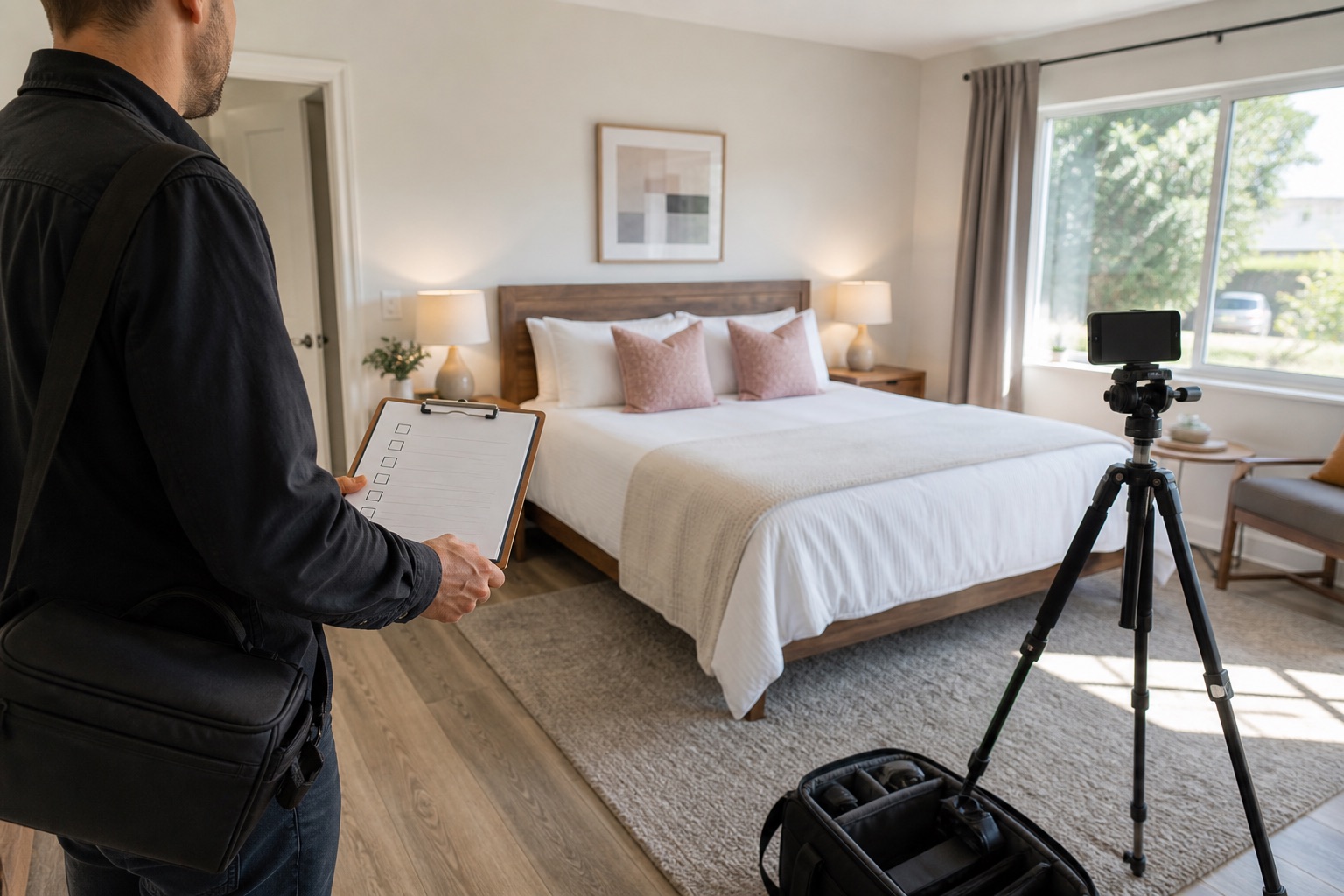
A good listing gallery answers questions before a guest has to ask them. Use this checklist on shoot day, then use it again when you review the final upload.
Not every property needs every shot. The aim is complete coverage without padding the gallery with near-duplicates.
The short version
- Capture every guest-accessible space.
- Show major rooms from more than one useful angle.
- Include access, safety, and accessibility details.
- Finish with an upload and accuracy check.
01
Arrival and exterior
Show the building or property as a guest will approach it. Include the entrance, path, parking, building number where safe, outdoor lighting, and any gate or shared access. Add a wider setting image only when it helps explain the location.
- Front exterior in daylight
- Entrance and key access area
- Parking space or nearest arrangement
- Steps, path, lift, or shared hallway
- Private garden, balcony, or terrace
- Relevant view from the property
02
Living and dining spaces
Start with a wide image that explains the whole area, then add a second angle that shows how it connects to the kitchen, entrance, or outside. Photograph the dining table with the number of usable chairs provided.
- Main seating arrangement
- Television and entertainment setup
- Dining table at full capacity
- Workspace and chair
- Fireplace or other usable feature
- Patio doors and outdoor connection
03
Kitchen and food preparation
Photograph the complete kitchen before focusing on individual appliances. Guests need to understand the amount of workspace and whether the equipment suits their stay.
- Full kitchen or kitchenette
- Hob, oven, and microwave where provided
- Fridge and freezer
- Coffee and tea setup
- Dishwasher or washing-up area
- Laundry equipment
- Dining and serving equipment for the stated guest count
04
Bedrooms and sleeping arrangements
Show each bed in full and make the route around it visible. If beds can be split or joined, or a sofa becomes a bed, photograph each bookable configuration.
- Full bed and bedside space
- Storage and hanging space
- Window and outlook
- Blackout covering where provided
- Travel cot or child setup
- Sofa bed both closed and open
05
Bathrooms and practical details
Use a wide image that shows the layout, then capture the shower or bath and any notable accessibility feature. Keep mirrors spotless and check that the camera is not reflected.
- Full bathroom layout
- Shower or bath entrance
- Sink and storage
- Separate toilet
- Grab rails, shower seat, or step-free access
- Towels and basic supplies
06
Amenities, safety, and final upload
Photograph high-value amenities in context. A hot tub should be shown with its surrounding space, not only as a tight crop. Check that seasonal amenities are clearly described and available when shown.
Before uploading, remove duplicates, straighten images, check colour consistency, and confirm that every permanent feature is accurate. Order images by room and write captions for details the photograph alone cannot explain.
- Pool, hot tub, sauna, or gym
- Children and pet features
- Heating, cooling, and controls
- Smoke and carbon monoxide alarms where appropriate to show
- Accessibility route and entrances
- Final mobile preview of the full listing
Further reading
Common questions
Questions people ask before they start
How many photos should an Airbnb listing have?
Use enough images to show every room, shared space, and important amenity without repeating the same information. Property size and complexity matter more than a fixed total.
Do I need to photograph every bedroom?
Yes. Guests should be able to see each sleeping space and understand the bed type, storage, access, and relationship to the rest of the property.
Should safety equipment appear in Airbnb photos?
Photograph safety or accessibility features when the image helps a guest locate or assess them. Also list required equipment accurately in the platform amenities and house information.
About this guide
Written by the Instant Photoshoot Editorial Team
We create practical guidance for the people responsible for property and hospitality images. Our approach separates factual listing photography from the additional lifestyle and campaign scenes a marketing team may want to create.
Read how we create and review guides