All templates

Editable venue template

Event Venue Photography Brief Template

Plan event venue photography around empty-room proof, real layouts, atmosphere, access, capacities, sales uses, and transparent visualisation.

Free to edit and downloadNo registrationNothing submitted

The short answer

What belongs in the brief?

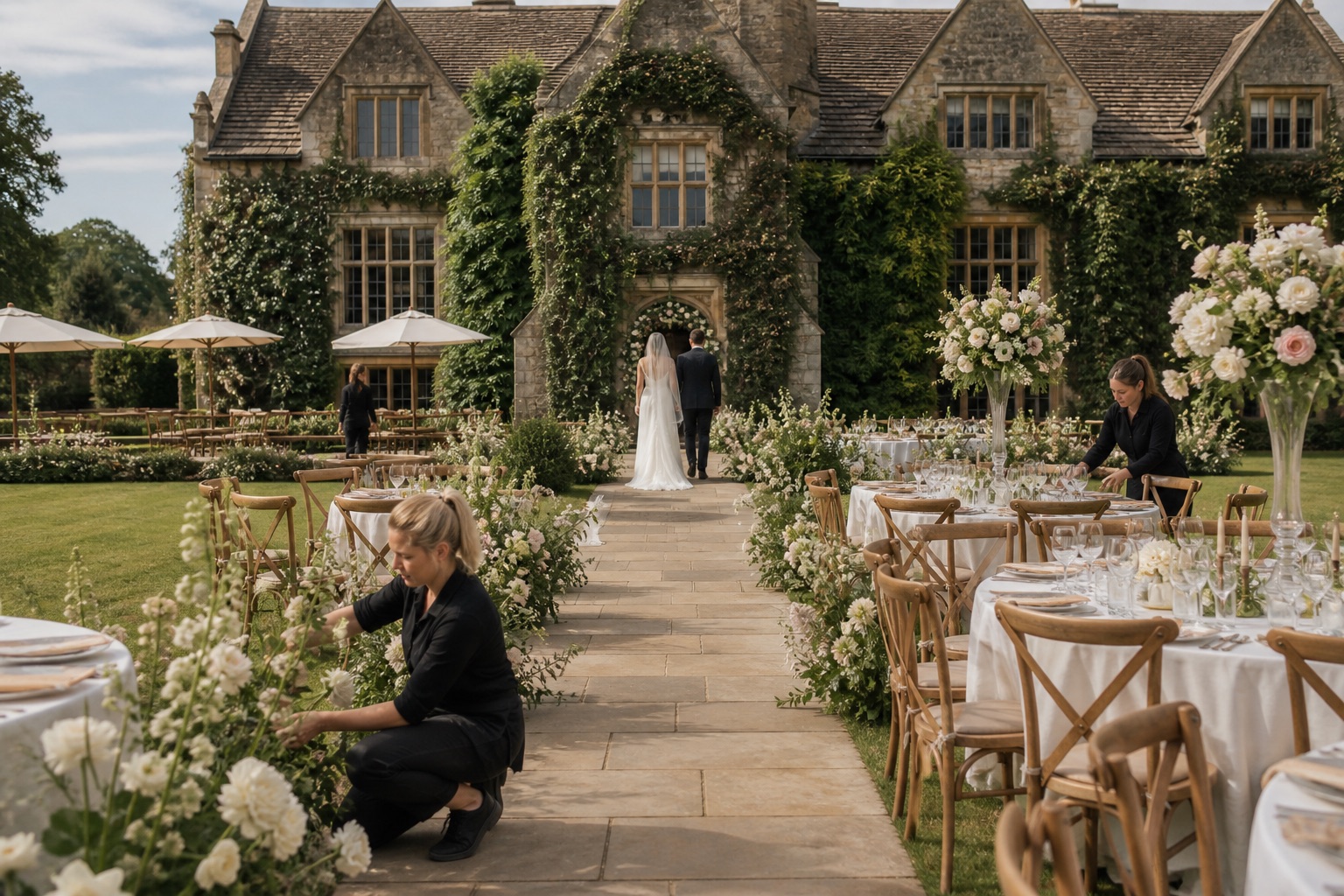
An event venue photography brief should show the same space in the states a buyer needs to compare: empty, set for practical layouts, and active with credible atmosphere. It should name real capacities, access and production details, the event types being sold, the sales channels that need images, and which additions are included, optional, or illustrative.

A practical venue brief that balances sales atmosphere with evidence of what the room can safely and realistically deliver.

Editable template

Write your event venue photography brief template

Replace the prompts with your project details. Your edits stay in this browser and are not sent to Instant Photoshoot.

Why each section exists

Give the photographer decisions, not adjectives.

01

Venue, buyer, and event types

Define which enquiries the new image library should help qualify.

  • Venue and spaces: Venue name, address, room names, outdoor areas, arrival routes, and supporting spaces
  • Priority bookings: Weddings, conferences, dinners, parties, launches, exhibitions, or other real uses
  • Buyer questions: Capacity, layout, access, production, catering, weather plan, turnaround, or other frequent questions
  • Sales uses: Website, venue directories, proposals, floor-plan packs, email, advertising, social media, or press
02

Room states and practical proof

Give each room state a clear purpose and label.

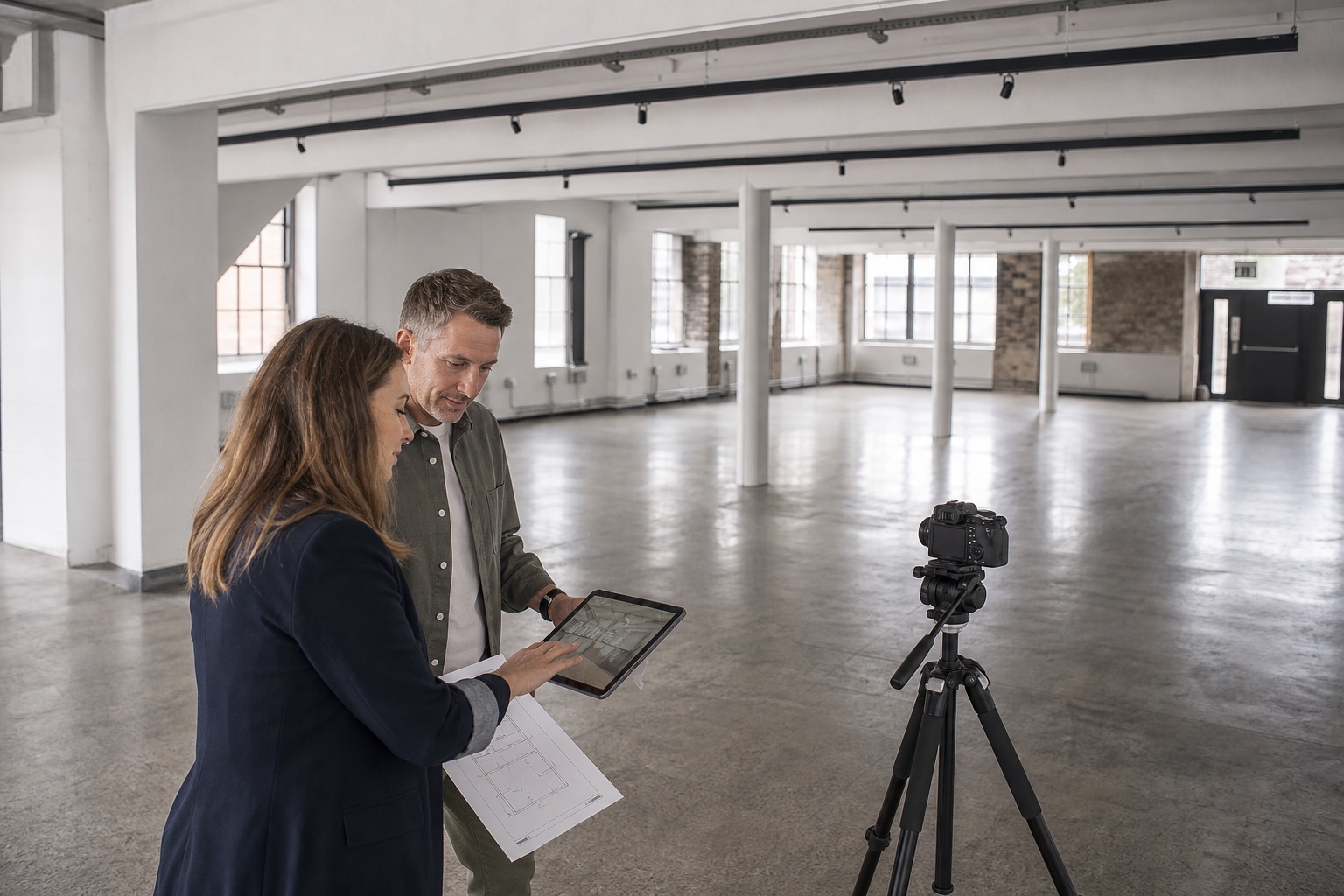
  • Empty-room proof: Angles that show entrances, windows, ceiling height, permanent fixtures, floor area, and circulation
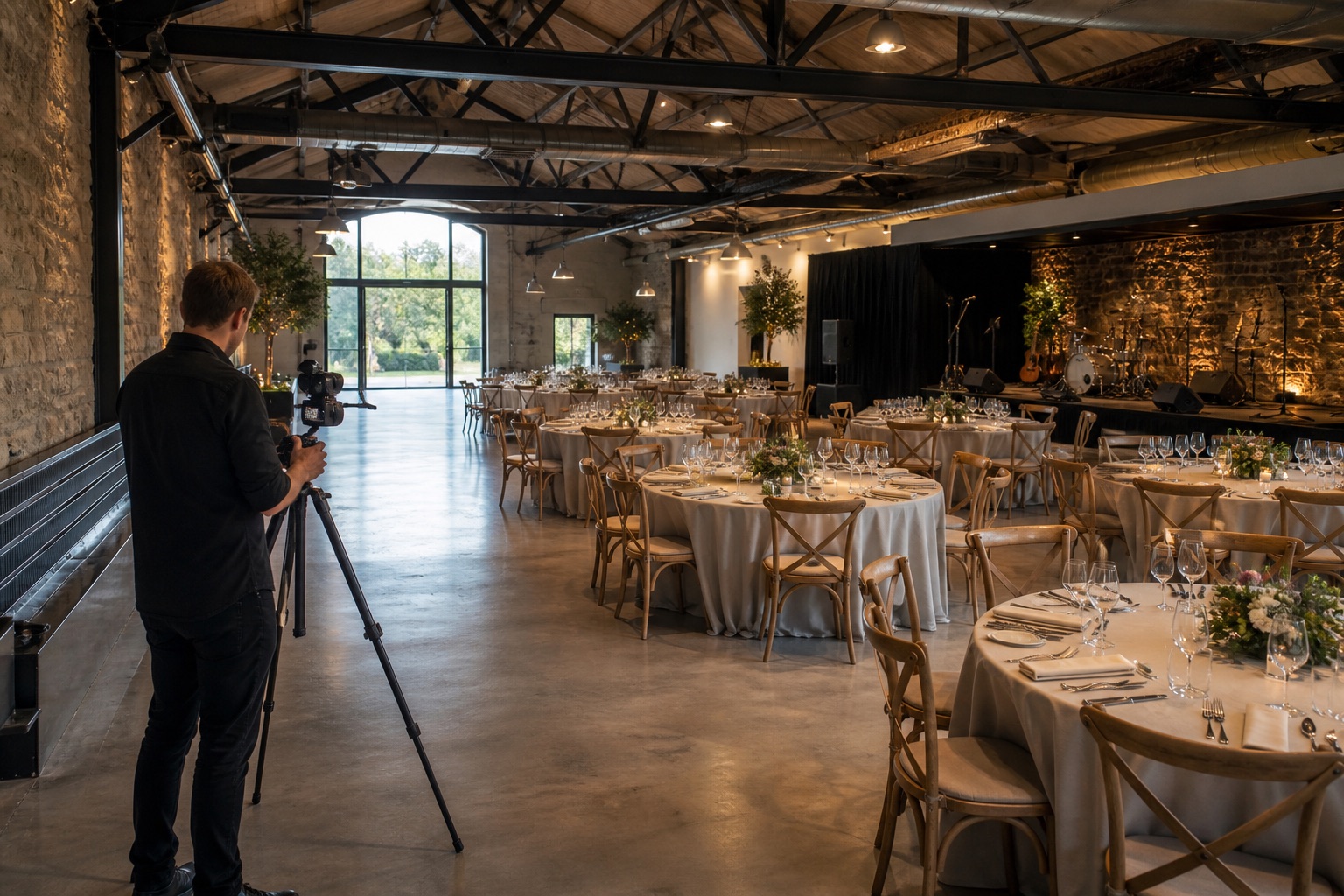
  • Real layouts: Reception, theatre, dining, ceremony, exhibition, stage, dance floor, or breakout layouts that can actually be delivered
  • Atmosphere plan: Guest profile, activity, service, lighting, decoration, and event type
  • Access and production: Loading, parking, step-free routes, power, sound, lighting positions, catering, toilets, and cloakroom
03

Shoot and delivery

Coordinate setup changes and protect the details the sales team must communicate accurately.

  • Setup schedule: Room access, supplier arrival, layout changes, dusk requirements, and reset time
  • People and permissions: Models, staff, real guests, releases, restricted areas, and image-use boundaries
  • Included and optional items: Furniture, linen, staging, production, florals, catering, and supplier credits
  • Delivery deadline: Date, time, and any staged delivery dates
  • File requirements: Orientation, crop ratios, resolution, colour profile, and file format
  • Usage: Website, listing platform, email, advertising, social media, print, press, or internal use
  • Approval: Name the person who will approve the final selection

The image plan

Three priorities for this property type.

01

Prove the empty room

Show its real structure, access, scale, fixed features, and connection to supporting areas.

02

Show workable layouts

Photograph real configurations with circulation, sightlines, service, and production positions visible.

03

Sell credible atmosphere

Add people and activity only when they match a safe layout and an event the venue can host.

Accuracy boundary

Do not use people, furniture, production, or decoration to imply a capacity or package the venue cannot provide. Keep real room photographs alongside any illustrative visualisation.

Plan the details

Related photography guides

Browse all guides

Use the brief now. Extend the library later.

Once the factual gallery is complete, use your own source images to create additional lifestyle scenes for a specific campaign.

Create event venue concepts